Revamping My Homelab Network with AI Assistance: A Year with the UniFi Cloud Gateway Max (Part 1 – The Brainstorming Spark)

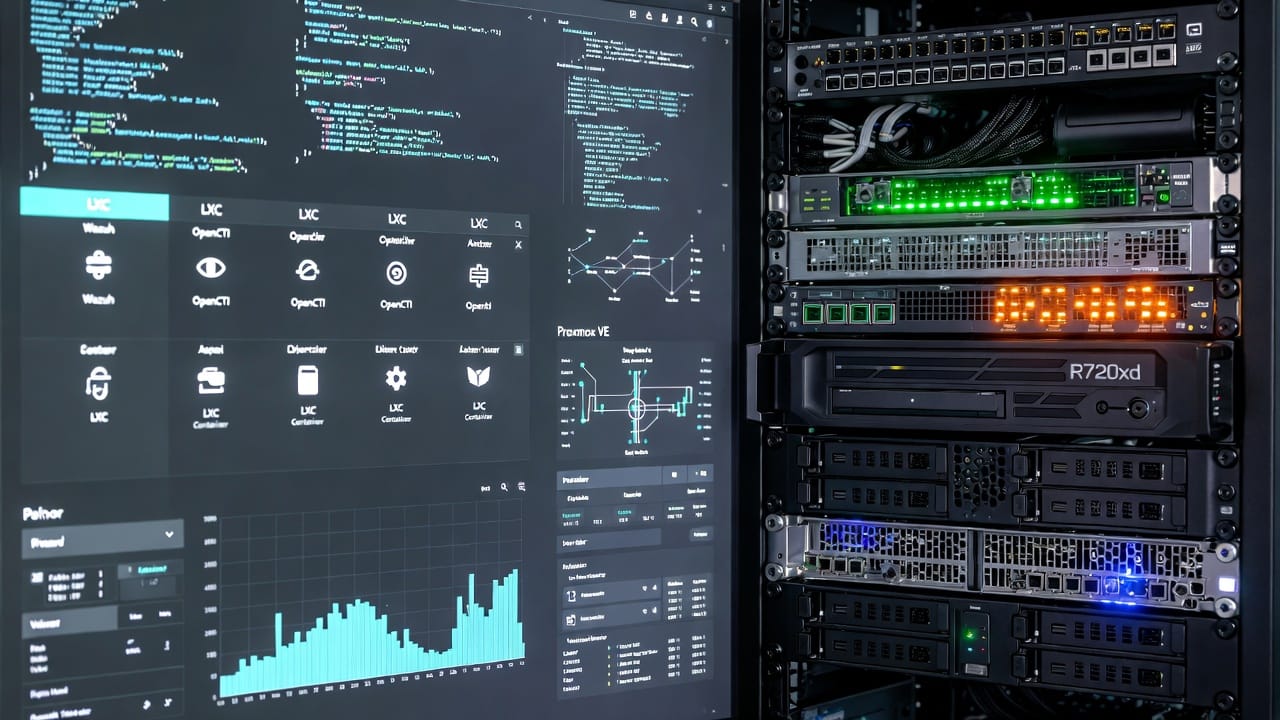
Hey everyone, it's January 10, 2026, and looking back, it's been almost exactly a year since I unboxed that UniFi Cloud Gateway Max on January 17, 2025. What started as a quick upgrade has turned into a quiet game-changer for my setup—mostly because life got in the way and the homelab sat mostly idle for months. But now that things are calming down, I've had time to reflect, optimize, and even lean on AI to guide the rearchitecture. This ties right into my ongoing experiments with local LLMs and AI workflows (Ollama evals, GPT-4o vs. locals, etc.)—using chat models not just for quick answers, but to frame real decisions when time is short.
The unboxing was low-key: excited phablet-typing at low battery, but the real story is the upgrade path. I kept the old Cloud Key Gen2 Plus (UCK-G2-PLUS) since UniFi Protect was already set up perfectly—cameras, NVR, all humming. Instead of a full migration (which bombed on my first restore attempt—network reconfiguration fail, thumbtack reset drama), I just adopted it into the new Gateway Max as a pseudo-dedicated NVR. Smooth controller integration, offloads video processing, and keeps the main gateway focused on routing/firewall/visibility. Pro tip: Document everything—VLANs, firewall rules, port maps. I learned that the hard way.
No AI for choosing between Cloud Gateway Max and Ultra—that was standard research, heavily influenced by Evan McCann's excellent comparison charts. The Max's compact form, 2.5Gbps ports, and solid IDS/IPS headroom for home/SOHO fiber made it the clear pick for low upkeep.
But when it came to the deeper homelab rearchitecture—storage pools, ZFS tweaks, degrowth from power-hungry enterprise gear—I threw the initial prompt at several big chatbots: Perplexity, Grok, Copilot, and Gemini. Gemini Pro (specifically Gemini 3 in that session) stood out with the most comprehensive, context-aware response that built directly on my details without needing much re-prompting. It suggested ditching RAIDZ1 for striped mirrors, provided copy-paste commands, and spotted pitfalls I missed. We can dive deeper into why Gemini won (and how context size played a role) in a follow-up post—I'll link it here once it's live. For now, the key takeaway: AI framed the whole pivot perfectly, saving me hours during a quick sous vide wait (because why not?). Project done, celebrated with a nice steak and a glass of Argentinian Malbec—pure instant gratification.
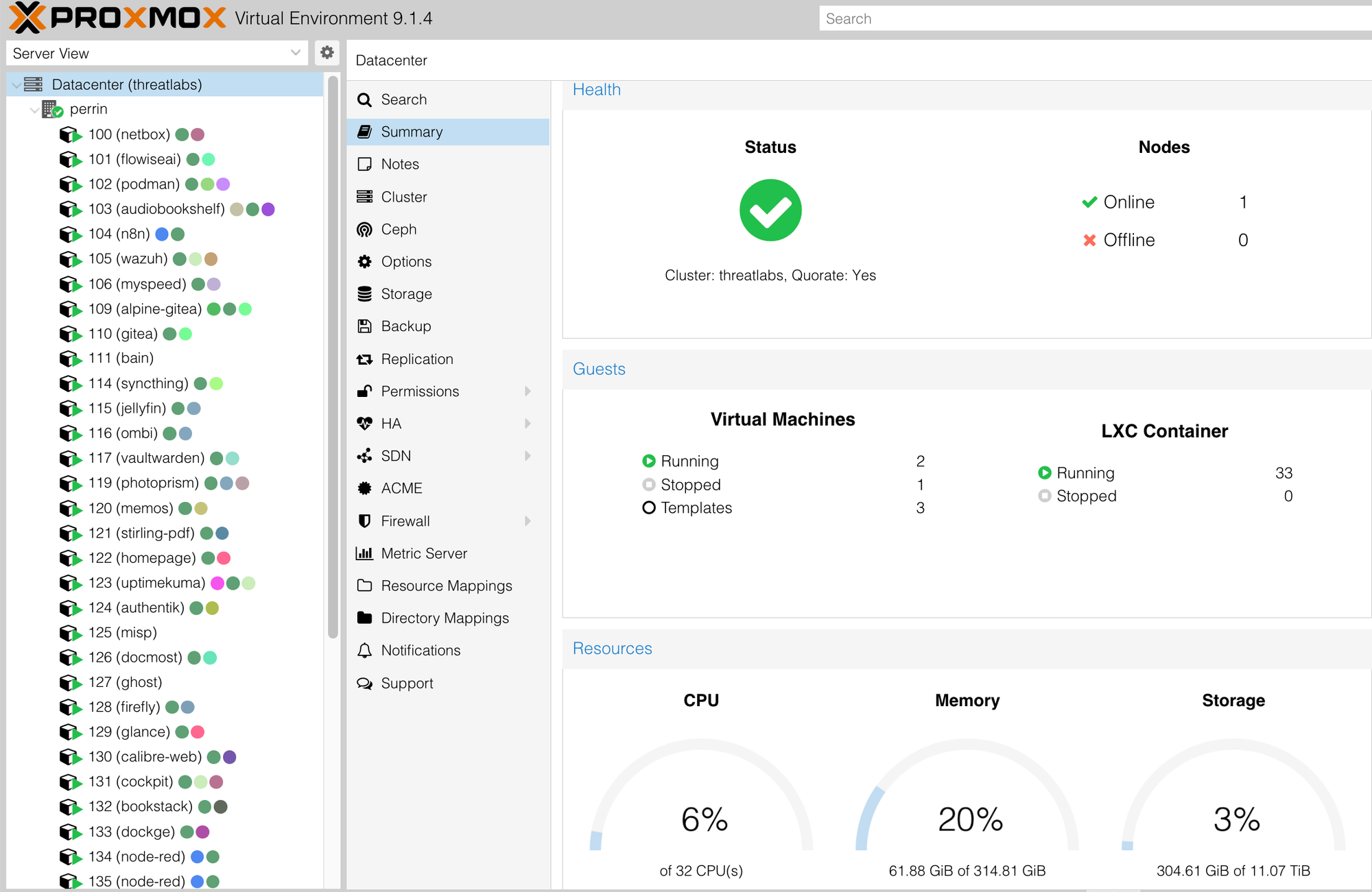
Looking back at this past year, the real starting point of my homelab rearchitecture wasn't the hardware changes or the final ZFS commands—it was a single, focused chat session with Gemini Pro (Gemini 3) in November 2025, about half a year past the time I wrapped-up the Proxmox VE three-part series (May 2025). I needed to solve a classic homelab dilemma: my existing ZFS pools (basin, pond, stank) were mismatched RAIDZ1 setups that throttled random-write IOPS for heavy log ingestion in Wazuh and OpenCTI, while the MD1200 DAS was a noisy, power-hungry relic I no longer needed for capacity. The goal was a cleaner, faster flashpool using striped mirrors, zero-downtime migration of all LXCs/VMs, and future-proofing without buying new drives.
Instead of spinning up n8n (general workflow automation with 300+ nodes, great for complex pipelines) or Flowise (LangChain-based low-code builder for RAG chatbots, vector search, chunking, and multi-agent flows), I just pasted my full hardware context into Gemini and let the conversation flow naturally. Modern LLMs' context windows (Gemini 3 Pro supports up to 1 million input tokens, though practical chat sessions often operate effectively in the 32K–128K range for speed) meant it remembered every detail across turns—no re-explaining hardware, no chunking strategies, no vector DB setup. I could discuss concerns ("Striped mirrors will sacrifice some capacity—worth it?"), refine aspirations ("Prioritize reliability for self-hosted sec tools over bulk storage"), and get grounded suggestions with built-in reasoning.
It felt like having a knowledgeable homelab partner at 2 a.m.—when no one else in the house cares about RAID trade-offs or ashift values. I argued points, it pushed back with logic, and it architected the end state first (flashpool as the target), then handed tactical steps—including the key storage migration I used to move every LXC (from Pi-hole to Immich) to rpool via Proxmox's "Move Disk" feature (GUI or qm migrate CLI).
The biggest value here isn't just code generation (though the copy-paste commands were spot-on)—it's the shift from "build your own RAG pipeline" to instant, conversational architecture. In the past, for a similar deep dive I'd spin up n8n or Flowise, requiring nodes, connectors, chunking strategies, vector DB setup, and testing loops—hours of plumbing before you even get useful output. With modern LLMs' massive context windows and native capabilities, I skipped all that. No pipeline setup, no chunking debates—just describe the problem, argue concerns, refine aspirations, and get grounded suggestions with search grounding if needed. It feels like a 2 a.m. homelab buddy who remembers your entire setup across turns, no one else in the house needs to care.
This usability leap has opened doors for more efficient "code vibing" homelab projects—iterating fast on configs, scripts, or even full services without heavy orchestration. (That's fodder for another post: what's up with Antigravity, Cursor, and Claude Code in the agentic coding space? Early 2026 vibes are wild—Google's Antigravity as an agent-first IDE with autonomous planning/execution via Gemini 3, Cursor as the refined VS Code AI accelerator, Claude Code for terminal-deep reasoning and autonomous refactors. More on that soon.)
Here's the key part of that brainstorming flow (lightly edited for readability, but preserving the back-and-forth feel—full history attached for reference). I've pulled directly from the conversation to ground everything in truth: Gemini's suggestions were tailored to my described future requirements (high-IOPS for sec tools, single-node simplicity, power/noise reduction), and it emphasized migration to rpool first as a safety net.
My initial prompt (dumping hardware + goals, as in chat):
i'm rebuilding my tech stack and plan to host most everything in Proxmox VE via LXD as much as possible. this is currently in my plan: Shuffle aka Shuffler, Wazuh, OpenCTI, MISP, AIL Project
Gemini's response (key excerpts—framed the strategy, split into native vs. Docker-in-LXC based on my requirements):
This is a highly feasible plan. You can host nearly 100% of this stack in LXC containers on Proxmox... Prioritizes the Proxmox VE Helper-Scripts... Type A: Native LXC (Best Performance) Tools: Wazuh, MISP, AIL... Type B: Docker-in-LXC (Easiest Maintenance) Tools: Shuffle, OpenCTI...
Wazuh (SIEM) Recommendation: Use the Community Helper Script... Command: Run the community script command in your Proxmox shell to spawn a dedicated "Wazuh" LXC... Allocate at least 8GB RAM...
Shuffle (SOAR) Recommendation: Docker-in-LXC... Use the Docker LXC helper script... Caveat: Shuffle uses Opensearch. You must set vm.max_map_count=262144 on the Proxmox Host...
And so on for each tool, with detailed methods.
Follow-up prompts/responses (iterating on Dockge, Podman, CasaOS—Gemini argued against Podman for my stack, suggested Dockge):
User: I also previously used Portainer CE but can forego that if there is a simpler solution... I've also started to experiment on Podman...
Gemini: This is a common pivot... Switch to Dockge... Why avoid Podman for Shuffle/OpenCTI? Networking Complexity... Socket Binding... Documentation... Revised Plan: ... bash -c "$(wget -qO - https://github.com/community-scripts/ProxmoxVE/raw/main/ct/docker.sh)" ... curl https://raw.githubusercontent.com/louislam/dockge/master/install.sh | sh
On TrueNAS/CasaOS/MD1200 pivot (Gemini suggested PCI passthrough for TrueNAS VM, warned on MD1200 issues like fan noise):
User: I'm also interested in Casa OS... re-install TrueNAS Scale as a container but physically tie it to control my Dell MD1200 array...
Gemini: This part of your plan needs a course correction... CasaOS: Skip it, redundant with Dockge... TrueNAS Scale: Must run as VM, not container... PCI Passthrough for HBA card... Warnings for MD1200 + SSDs: Fan Noise (The "Jet Engine" Problem)... 6Gbps Limit... Interposers...
Core storage rearchitecture (the big one—Gemini suggested migration first, then destroy/wipe/create based on my goals):
User: ...the script did not seem to detect the previous installation
Gemini: ...Before doing anything, stop the container and take a manual snapshot... Verify your Current Version: /var/ossec/bin/wazuh-control info... Manual Update Sequence: apt-get update... apt-get install --only-upgrade wazuh-indexer -y... etc.
Later turns focused on pool states:
Gemini: pool: basin... config: raidz1-0... (full before states as extracted)
After user shared zpool status: Suggest striped mirrors for flashpool, with exact create command matching my devices.
Migration: "Use Proxmox's Move Disk in the GUI to relocate containers/VMs to rpool first—zero downtime—before destroying old pools."
Full commands from Gemini (as I executed—always test/back up first!):
Bash
# Migration (per container/VM)
qm config <ID>  # Check current disk
qm migrate <ID> --targetstorage rpool  # Or GUI: Hardware > Disk > Move Disk
Bash
# Destroy (post-migration)
zpool destroy basin
zpool destroy pond
zpool destroy stank
Bash
# Wipe
for disk in sdc sdd sde sdf sdg sdh sdi sdj sdk sdl sdm; do
  wipefs -af /dev/$disk
  sgdisk --zap-all /dev/$disk
done
partprobe /dev/sd[c-m]
Bash
# Create flashpool
zpool create -f -o ashift=12 flashpool \
  mirror scsi-36b083fe0dffbfa002d21cca4172514ec scsi-36b083fe0dffbfa002d21ccbb187797e4 \
  mirror scsi-36b083fe0dffbfa002d21cf9227b92ed4 scsi-36b083fe0dffbfa002de694ac1f246e22 \
  mirror scsi-36b083fe0dffbfa002de694ab1f06447c scsi-36b083fe0dffbfa002de694ab1f10ce50 \
  mirror scsi-36b083fe0dffbfa002de694ac1f16b6a1 scsi-36b083fe0dffbfa002de694ac1f1e4a2c \
  mirror scsi-36b083fe0dffbfa002de694ad1f2bbbbf scsi-36b083fe0dffbfa002de694ad1f3282b5
Bash
# Tuning
zfs set compression=lz4 flashpool
zfs set atime=off flashpool
zfs set xattr=sa flashpool
zfs set recordsize=64k flashpool
# Quotas for sec datasets
zfs create flashpool/sec-stack
zfs set quota=4T flashpool/sec-stack
Bash
# Register
pvesm add zfs flashpool --pool flashpool --content images,rootdir --sparse 1
Before/after pool states (direct from chat—Gemini echoed my zpool status, then suggested the new config):
- Before (basin example): raidz1-0 with three drives, ONLINE.
- After (flashpool): Five mirrors, ONLINE—matched my SSD count for striped performance.

This collaborative vibe—argue, refine, confirm—turned a potential headache into a sous-vide-session project (steak + Malbec celebration still the highlight). No RAG pipeline, no chunking debates, just instant, context-aware architecture.
The payoff? A clean flashpool rebuild, MD1200 shutdown (kept as optional expansion), and a lighter, more reliable homelab—all sparked by one chat that felt collaborative, not mechanical. Sous-vide steak + Malbec celebration? Still unbeatable.
In a follow-up, we'll compare why Gemini Pro edged out Perplexity/Grok/Copilot here (context retention, native tools), and tease more on emerging coding agents.
Drop your own 2 a.m. AI partner moment below—what's the wildest late-night homelab win you've had with chat alone? 😄