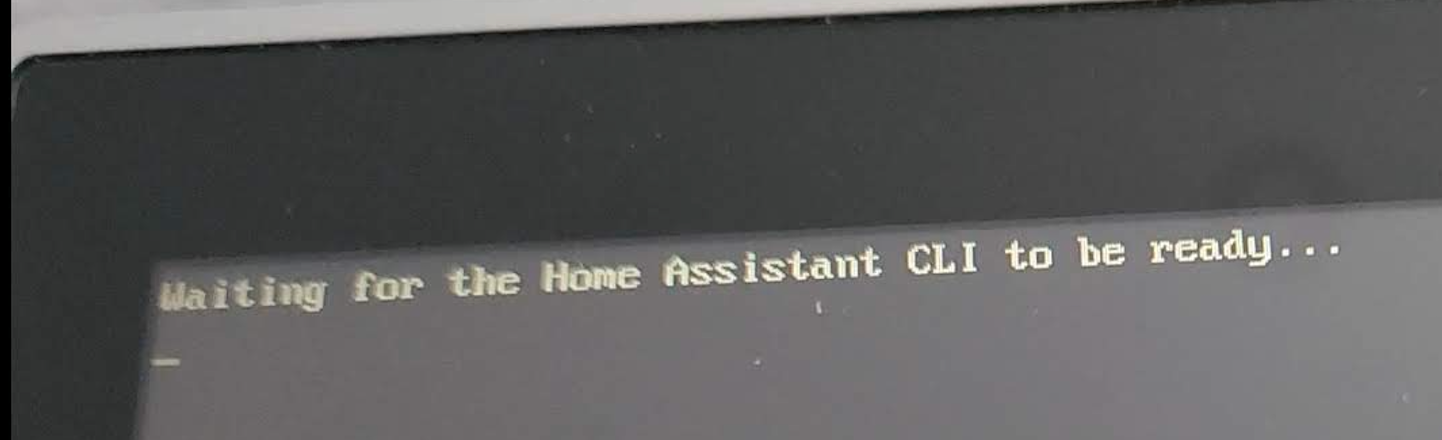
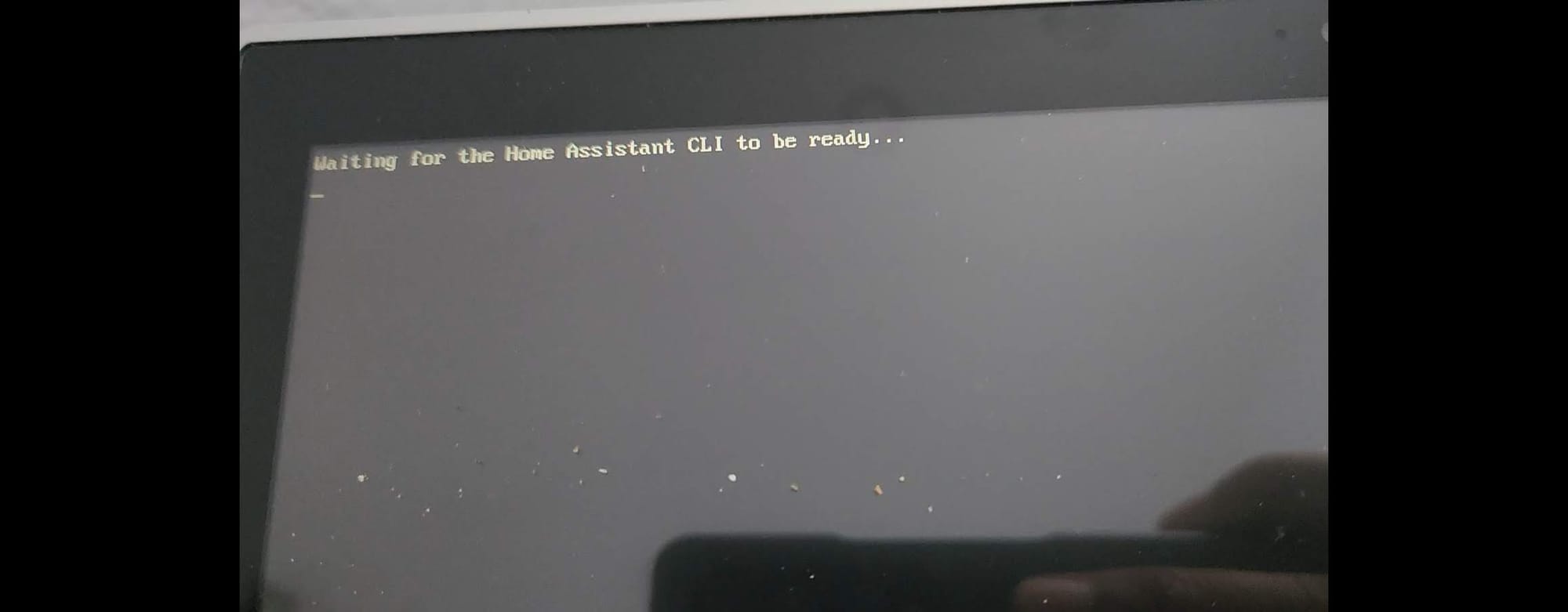
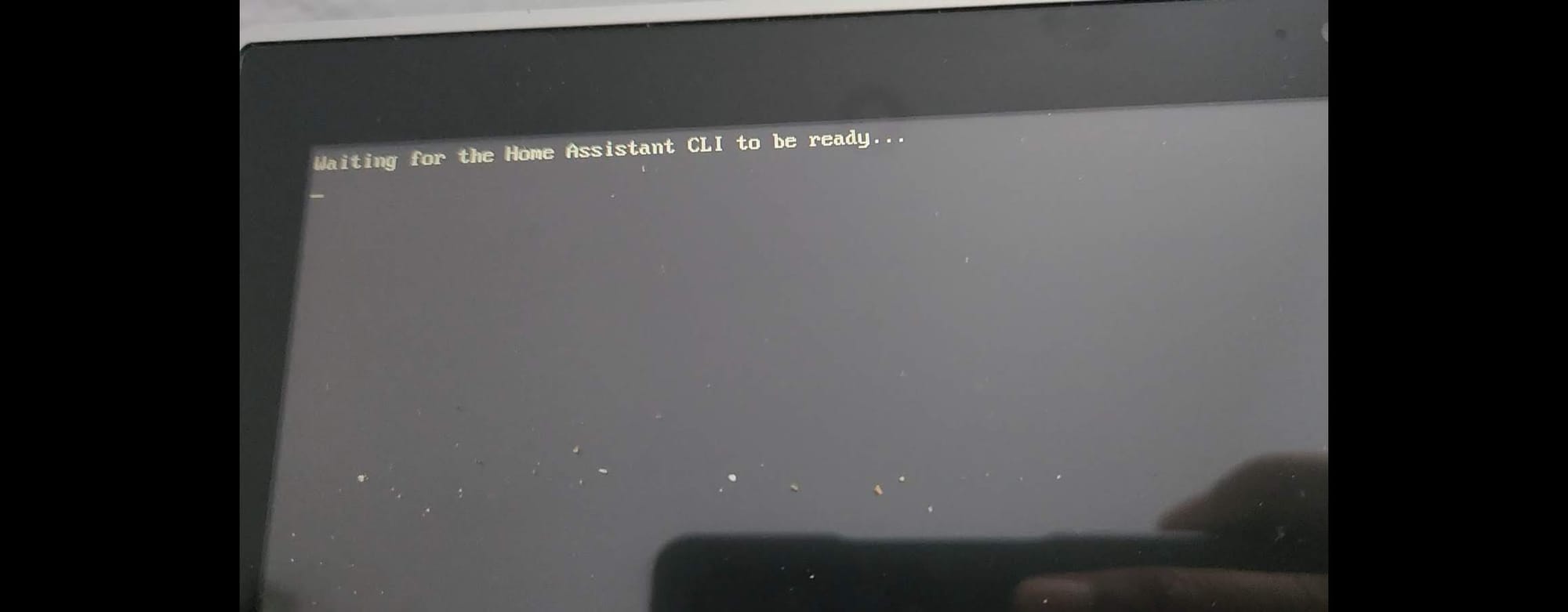
Waiting for the Home Assistant CLI to be ready...

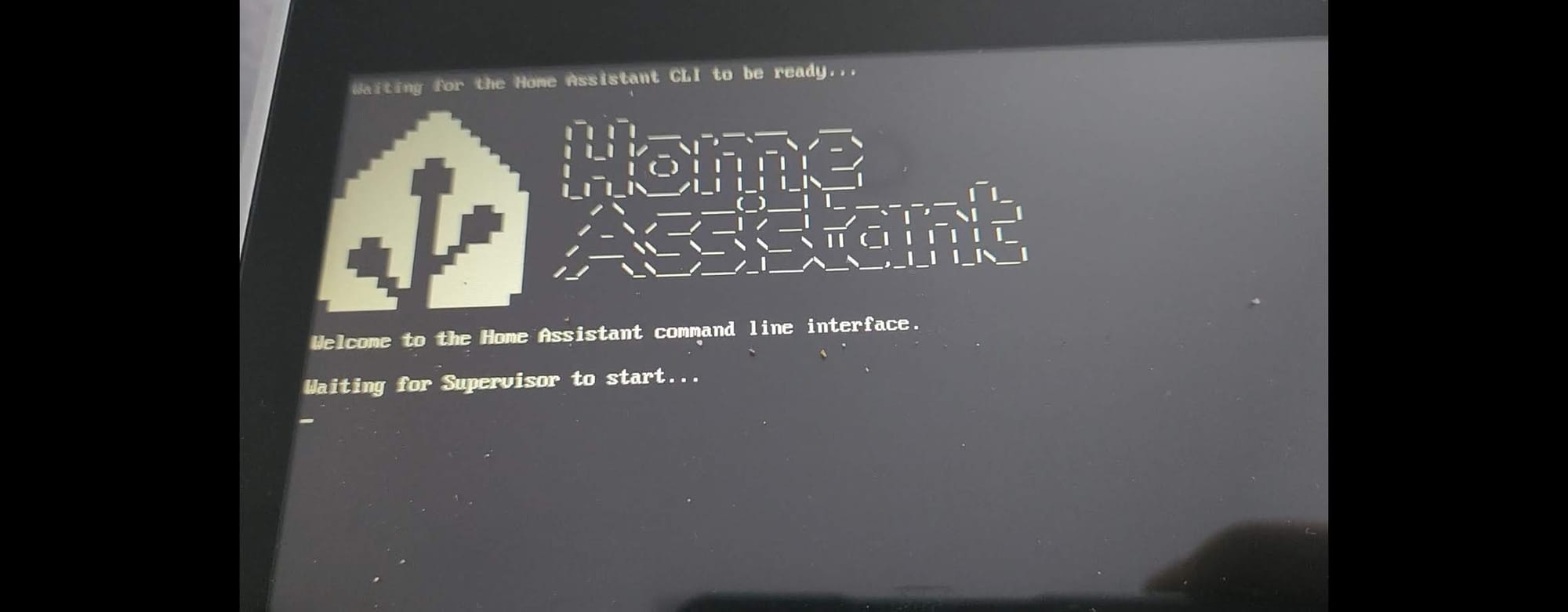
Let me start by saying that I've figured out a repeatable way to get around this issue which had stumped me all week! And, here's the proof:

Let's back up a second and talk about what happened and what got us here. Previously, these things happened (not in any specific order):
- An urgent message was received one day from someone at home that the "internet was dead". That situation was true for about a fully day overnight since it required an ISP technician to come inspect their fiber hardware. I was able to get some very minimal IoT smart devices working but nothing that needed the "cloud" worked.
- At an average of about 11-cents/kWh the servers typically hit at $30~50/month prior to summer on-set and more than likely, due to their garage location in North Texas hea, would register more if I did a new Kill-a-Watt measurement. As it is, they're running at a noisy full-tilt instead of the normal 20% speed.
- A mix of both ARM64 and AMD64 machines in a Proxmox VE cluster is not the most optimal way to run things due to inconsistencies of storage media and other dependencies.
- Recently de-clustering my high-availability setup due to the resulting heat and aforementioned cost of running a #homelab and job function change.
- Wanting to find a way to setup Frigate and leverage the Coral Dual Edge TPU and PCIe 1x adapter but finding all current market options too costly or power hungry
These are our current cast of characters: old laptop hand-me-downs from my now no-longer teenage son in the forms of an Acer Aspire V5-122P (AMD) and an Acer Aspire E5-576 (Intel with QuickSync). These had previously been pre-installed with Windows 7 and I had then flashed with the latest Ubuntu Desktop at the time of being received.

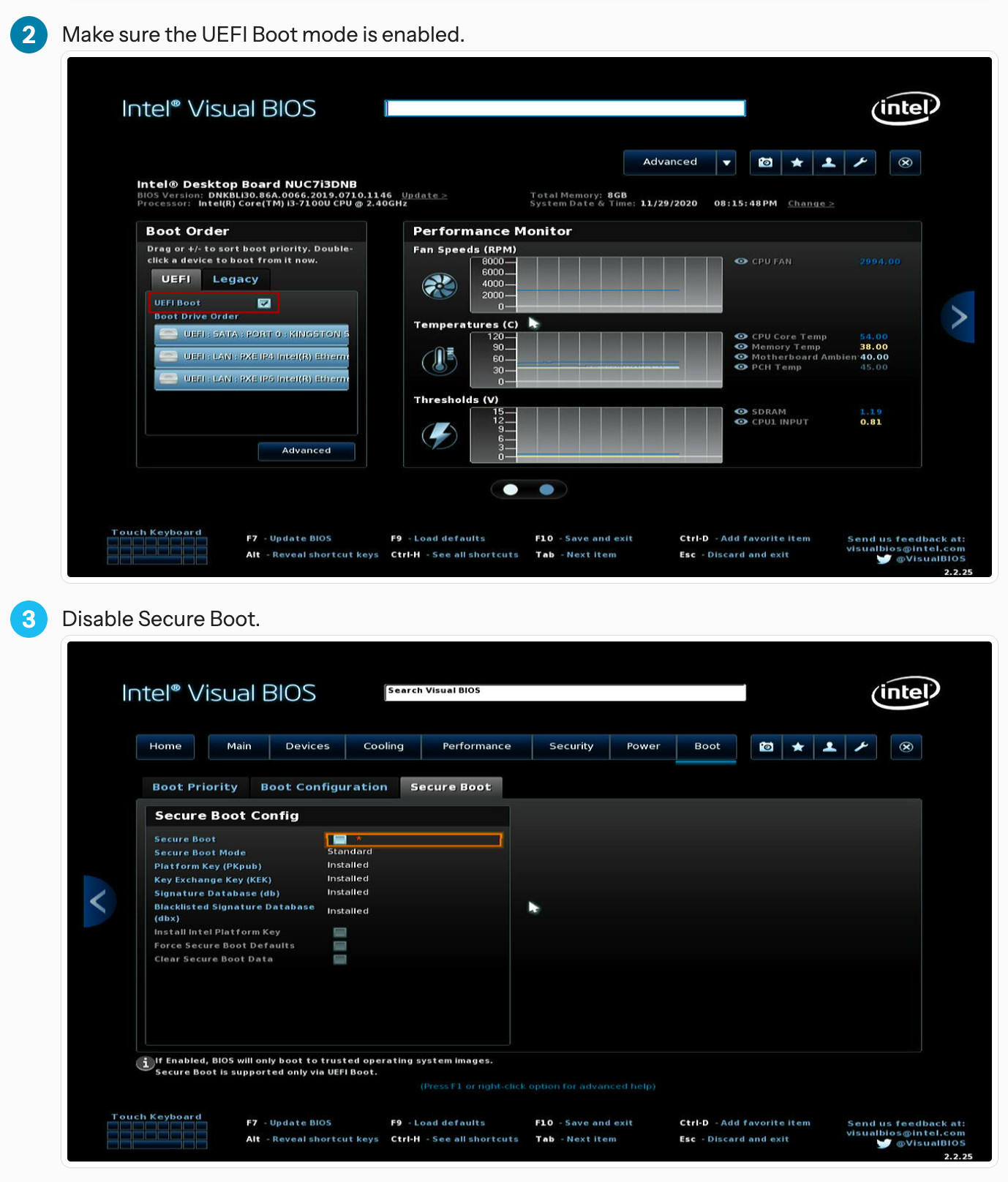
I then followed the appropriate hardware install instructions for the official Home Assistant Operating System Generic x86-64 which called for enabling UEFI Boot and disabling Secure Boot (because HassOS uses Buildroot and a customized version of Linux).
Let me digress here and mention that about two-(2) weeks prior I had been looking into converting at least one of the Nano Pi R5S into Home Assistant hosts but wasn't getting very far since I had to figure out how to merge separate Buildroot processes, one for HA and the other to incorporate the Rockchip drivers.
There are some older instructions out there that talks about setting EFI and all that but in my experience those options only came into play when Secure Boot was enabled initially in-order for you to basically reset the options to factory defaults. But if you find yourself in a bind, then feel free to try it out just to remove variables:
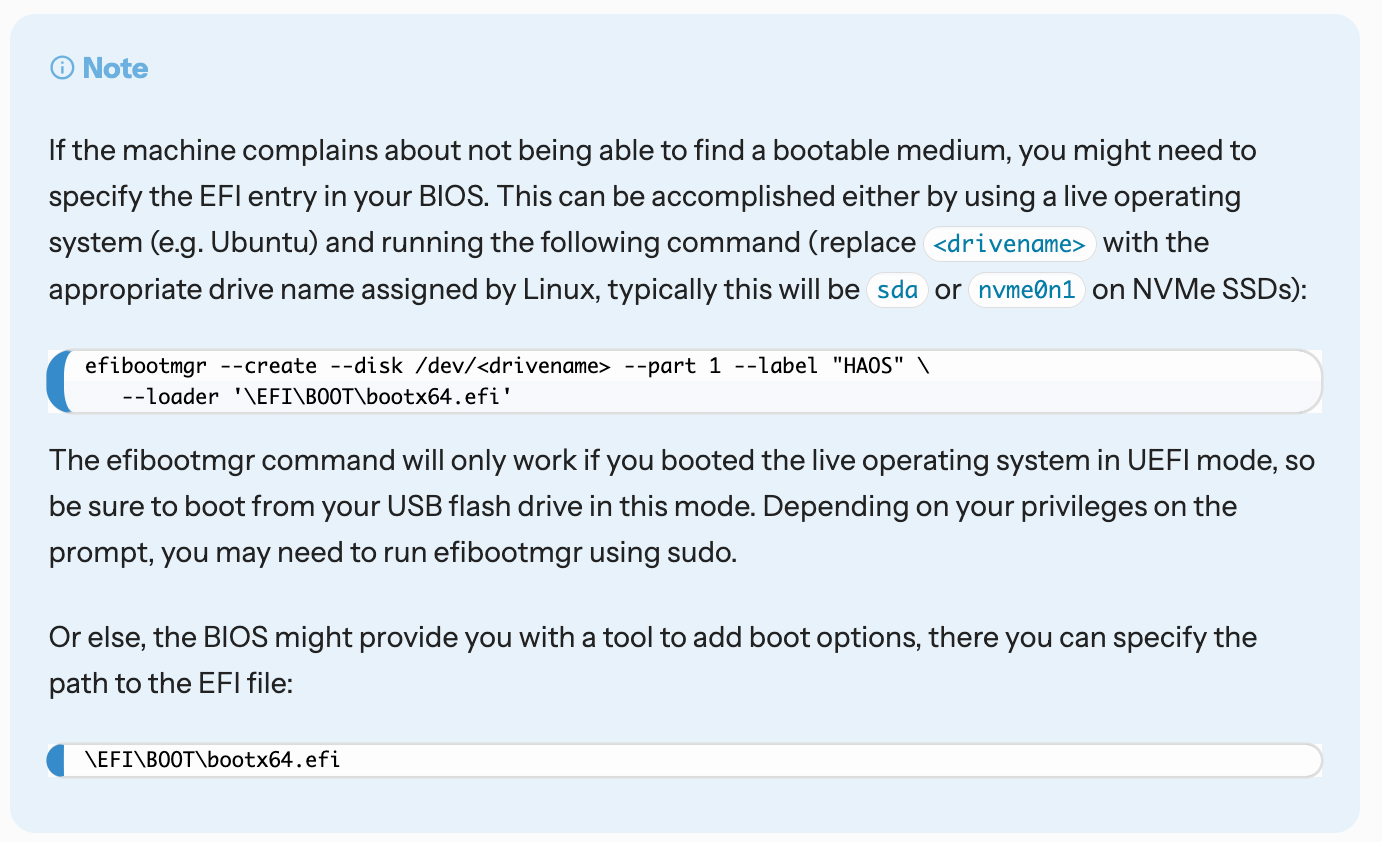
I initially decided to go full steam ahead and use the Aspire E5-576 as the main HA unit and, also, wanted it to be running Frigate, Jellyfin, Plex, and a whole host of different things to make full use of the overpowered hardware and Intel Quick Sync. However, the way HassOS is envisioned right now is that it needs to boot pristine without any other things loaded with it during the back-end Docker boot-up. Anything more than that then the installation will complain and you will get the Unsupported nod from Home Assistant observer and that would not be a happy experience, trust me:
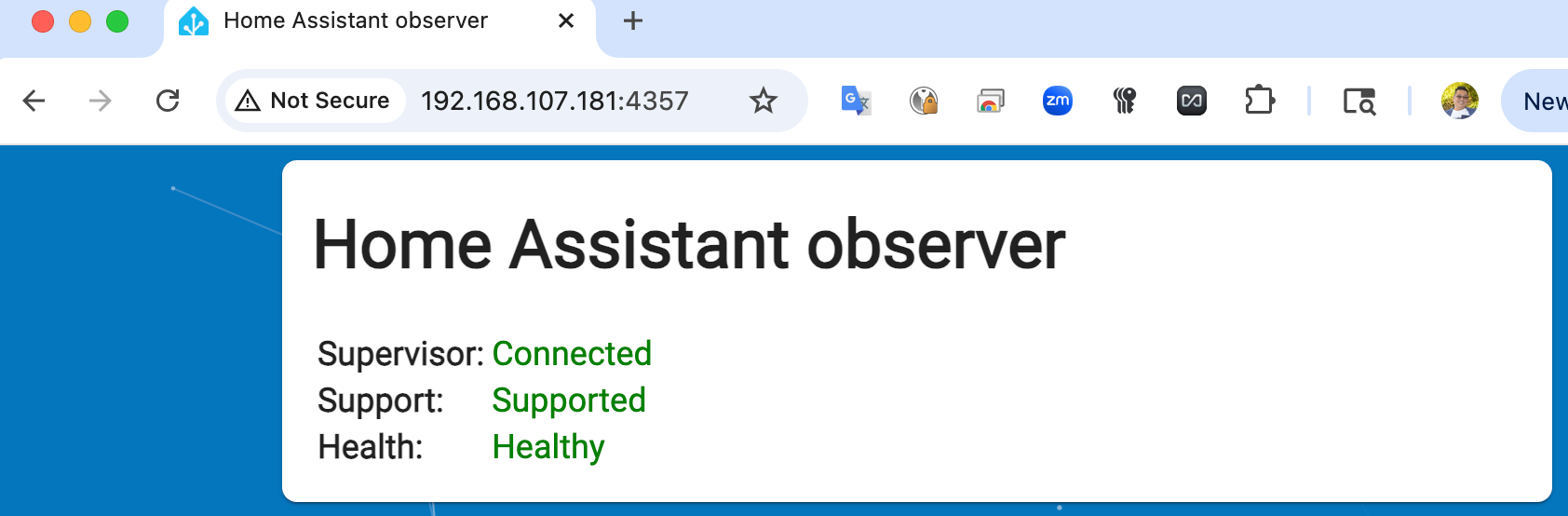
So, I pivoted and decided to use the Acer Aspire V5-122P, which only had 500GB of storage, to instead be a sort of head-end and call the Quick Sync enabled machine remotely as a service. Those of us dabbling with AI automation will recognize this as using Agents that do their own autonomous activities.
But, that wasn't before I had already been hitting my head on the wall no matter what I did as a work-around to get past booting into this frustrating message:
I've been all around the support groups and discussions and even found a bug report, which did give me a clue!
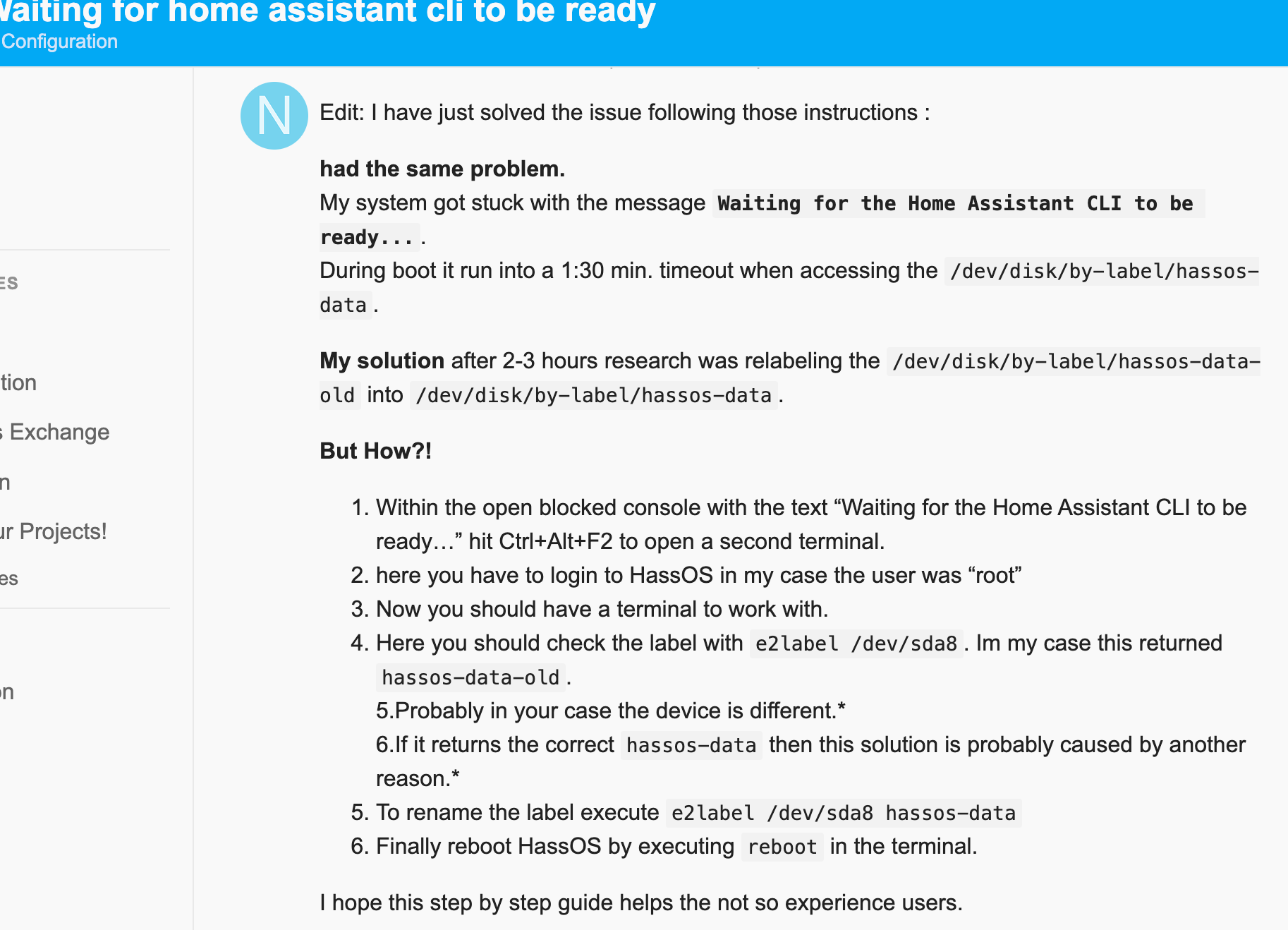
Within those workarounds someone talked about renaming labels and partitions and that may be true in some situations where the installation has progressed to completion. I'm only repeating the post here because it taught me a little about getting a separate terminal out of HA without breaking it further: Ctrl-Alt-F2
However, the whole thing about workarounds and renaming labels falls apart because there is nothing to fix, and by that I mean that is what if the partitions and all that underlying stuff may have failed in various ways and there's nothing to operate those fixes on. The key for me was noticing the Dependency failed part of the boot process:
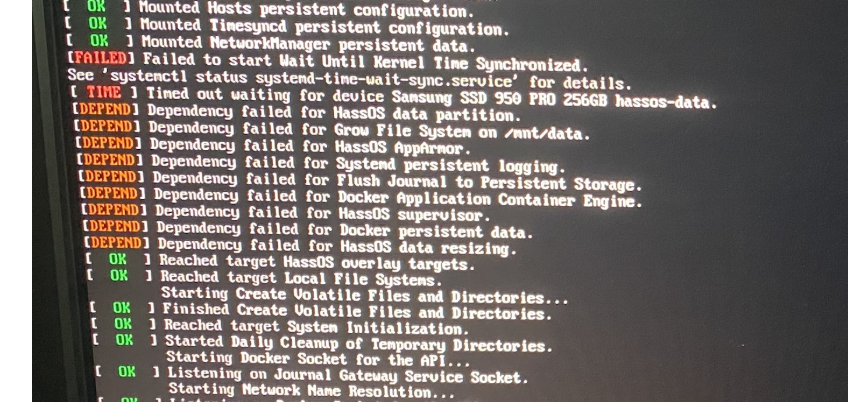
This, my friends, was my aha! moment, the part where latent pieces of the boot and file structure might not have been correctly expunged from the system.
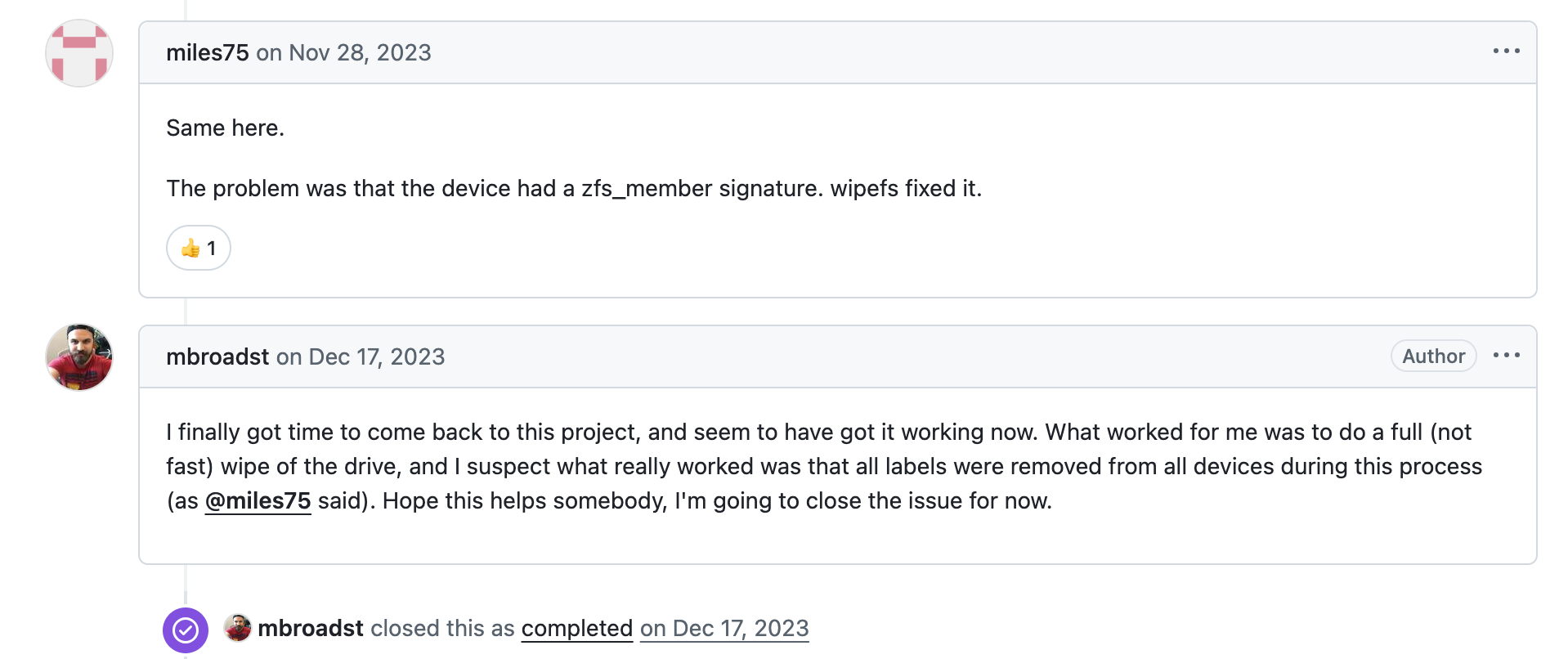
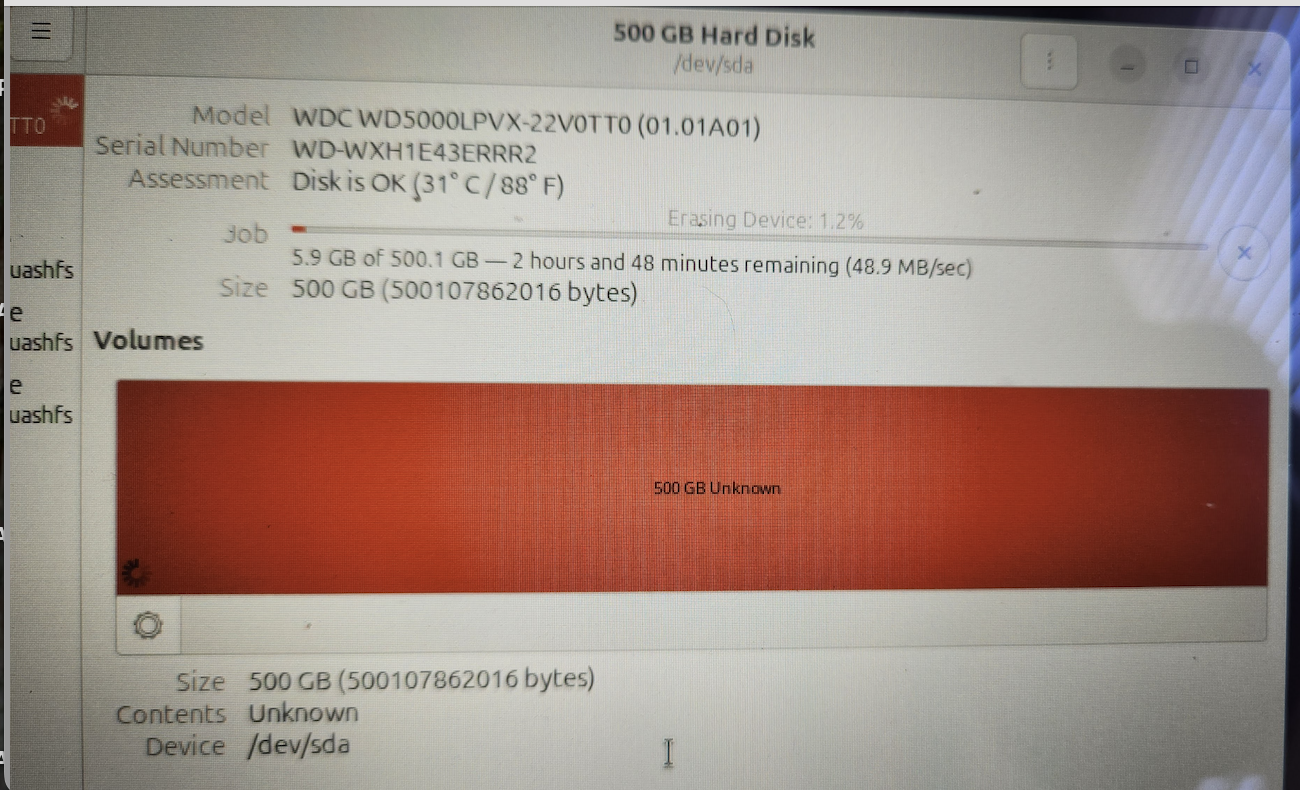
Whether it is a bug or not is debatable. What is important is that removing this part of the information is the key. So, back to the recommended Method 1 of the official HA installation, before I restored the HassOS image I decided to wipe the disk with zero's as well as remove all partitions.
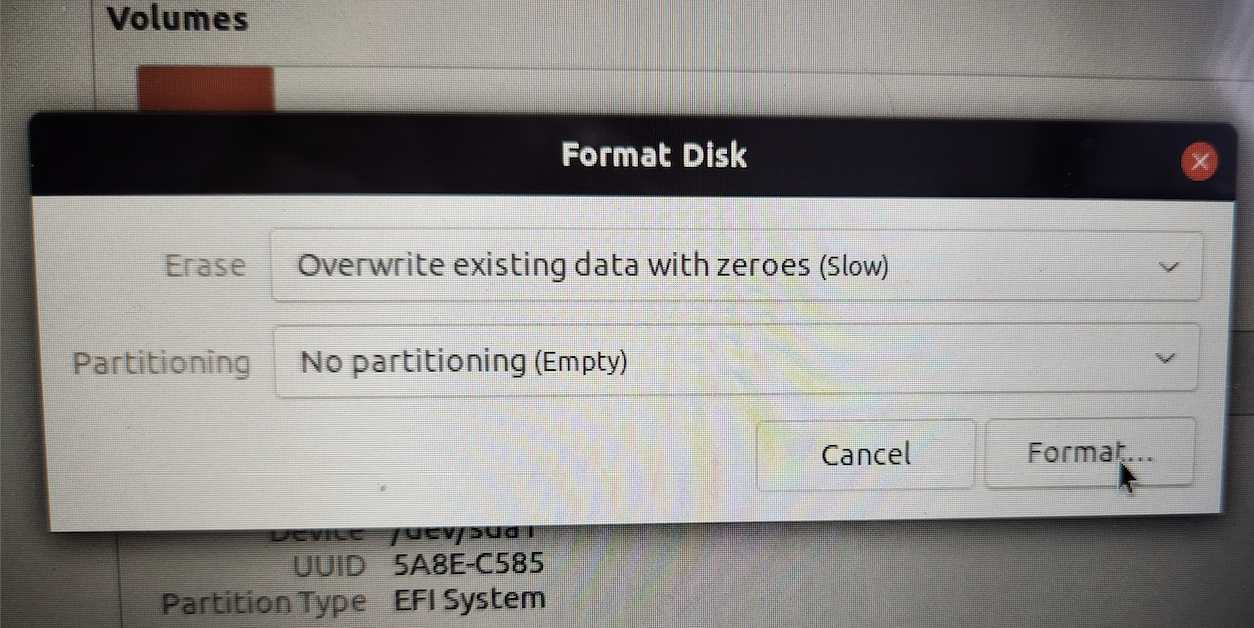
However, as you can see that was going to be more than a seven-(7) hour process for a 1TB disk:
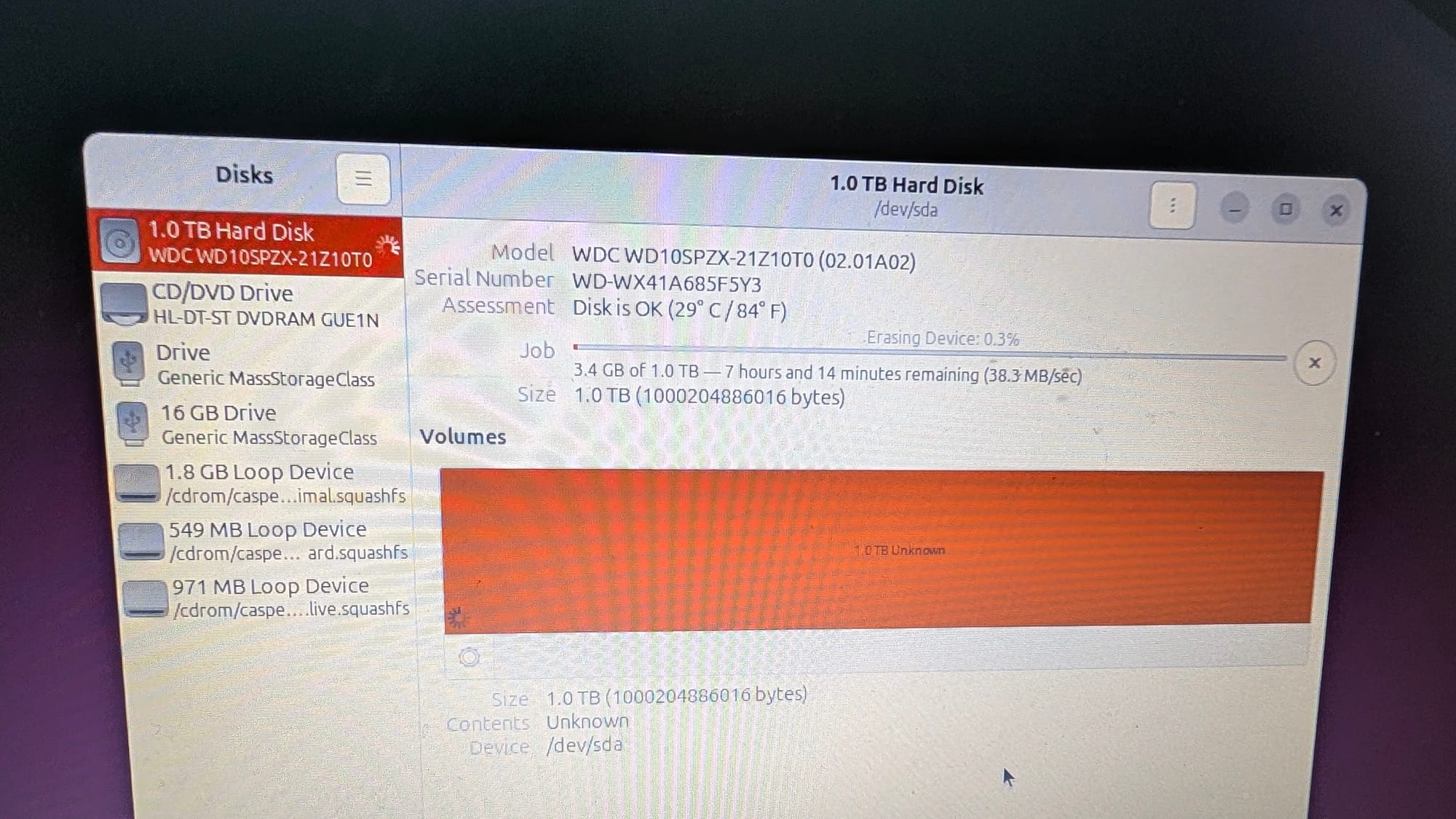
I would not fault you, dear readers, if you haven't had any digital forensic background to understand the GUID Partition Table (GPT) But, it should suffice to say that overwriting that minimum 1% (one percent) of the disk would be more than enough to clear out the data and disassociate most of the disk information from mapping. Back in the days of boot sector viruses this place of the disk was always under contention because it presented a way for malware to load prior to the operating system and circumvent security protections and many other shenanigans!
To proof my theory, I decided to do the same data clearing for the 500GB disk on the Acer V5:
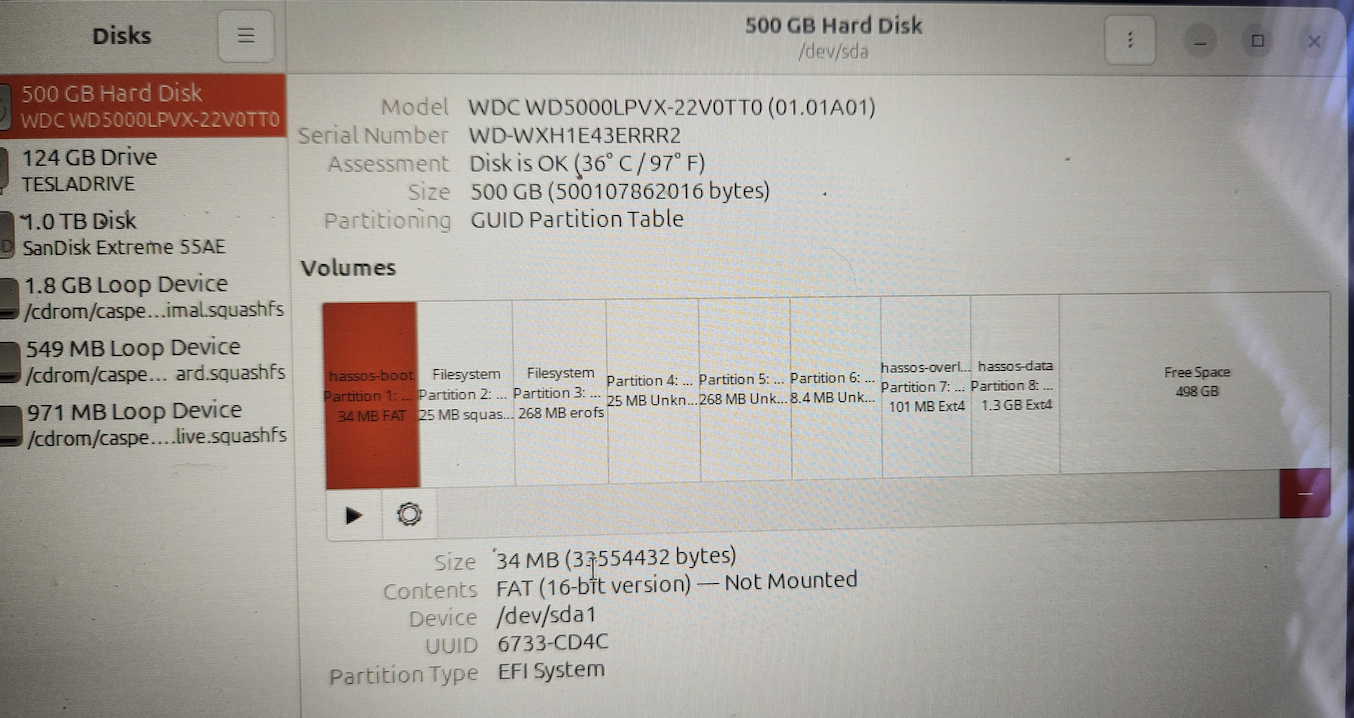
Once completing the image restore you should get a layout similar to this:
The only things to do now are to shutdown Live Ubuntu session, disconnect all external drives, connect any special hardware, boot-up, and (optionally) restoring from backup.
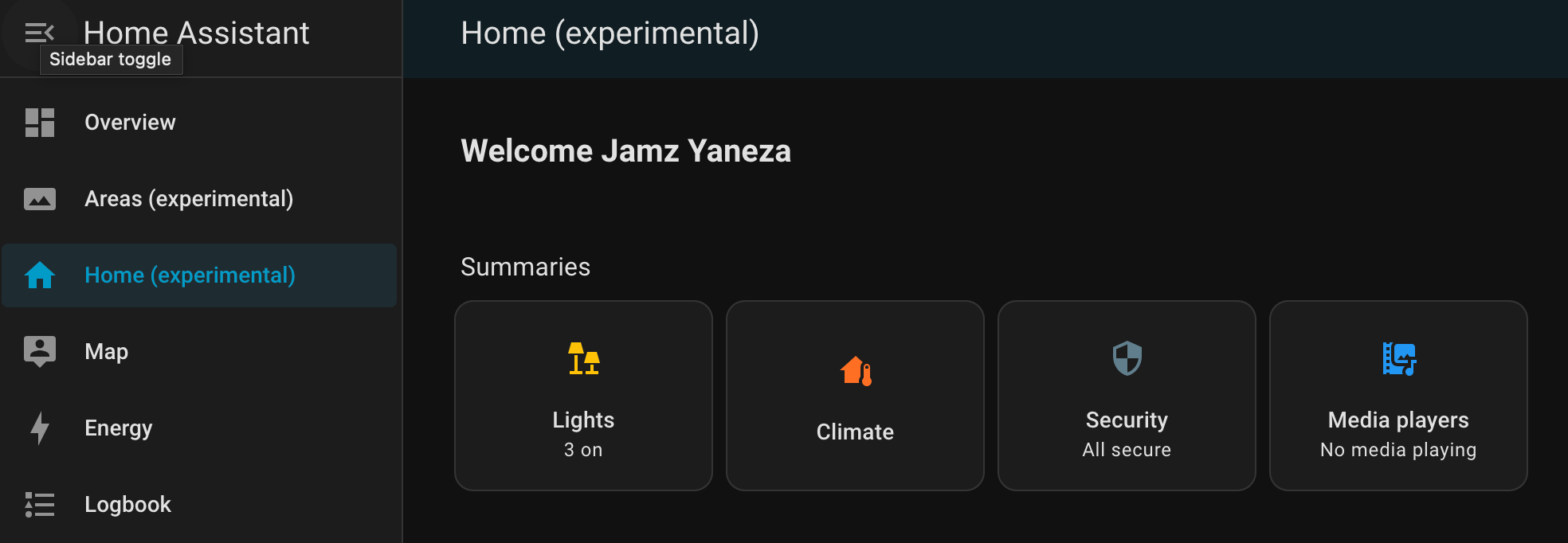
I'm going to give it about a week of live testing for functionality as well as looking at the power consumption from the wall. If things are stable then I might just shutdown the virtualized version and stick with this laptop version.
The next step of the puzzle is how to make use of the space beyond what the default HassOS image allocates by default for itself, approximately 30GB. I'm going to try to tackle that in a follow-up:
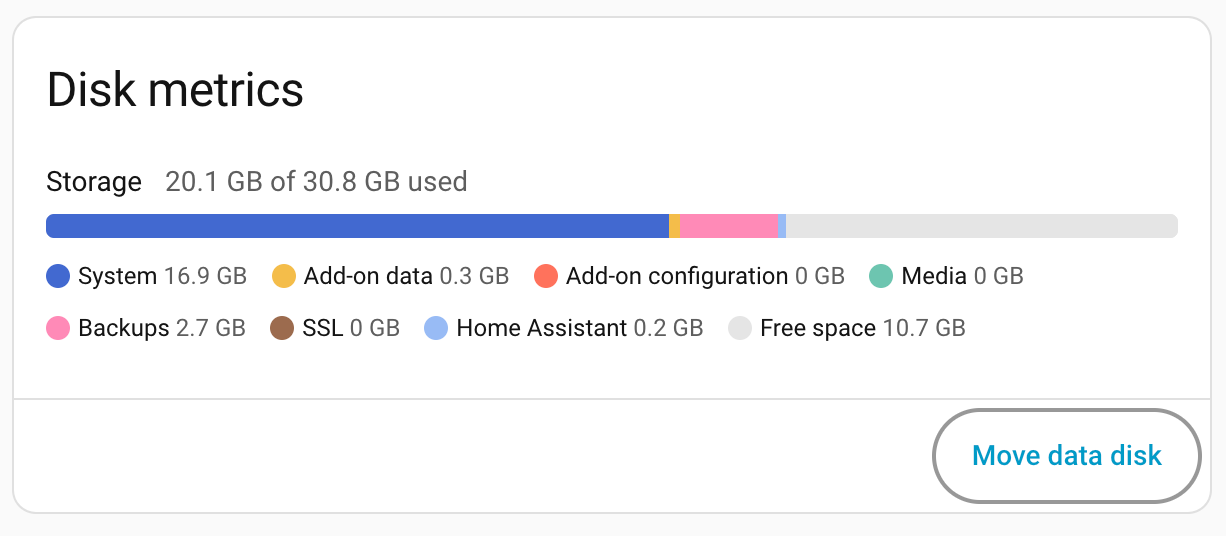
There is a mismatch somewhere in terms of what HassOS reports compared to how things are actually mapped on-disk. Here's what GParted reports from a Live Ubuntu session:
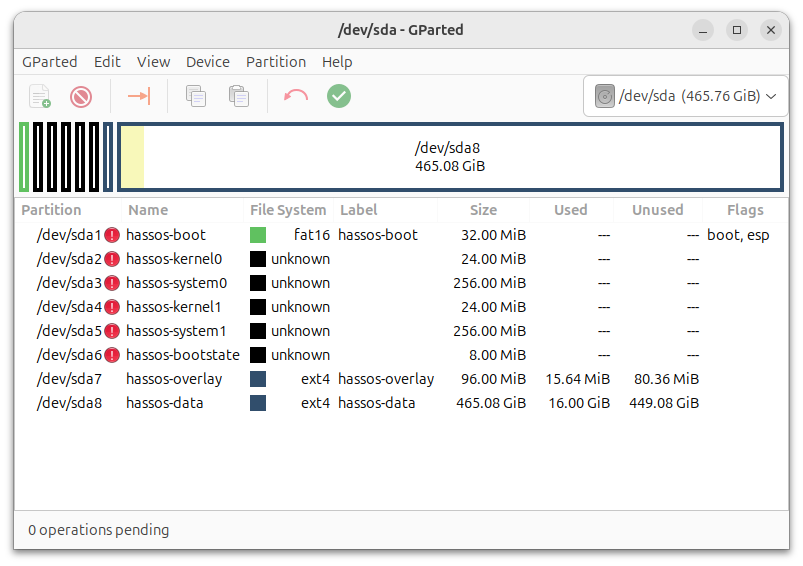
As can be seen, and similarly claimed during the installation process, the hassos-data partition did, in fact, expand to the rest of the disk. Why then is the built-in Disk metrics only reporting about 10GB left of free space? If you happen to come by this post and have an explanation, feel free to add it in the comments.
As for the Aspire E5, I'm currently leaning towards making it into just a full blown Docker or Podman host. The reason being that if I installed Proxmox VE on top of it then I'd have to contend with the extra hypervisor overhead on an already system memory challenged system. A simple Ubuntu or Debian Bookworm bare metal server installation might net me just the right amount of processing utility that I need.
See you next time.