I restarted my homelab with Proxmox VE Helper-scripts and a phablet!


It's been a minute.
We'll, several months in fact since getting most of the Lab situated. The Unifi gateway has proven to be a useful addition to complete the end-to-end visibility for my network. I've also walked myself back from over-engineering the access points, meaning to say I've held back deploying all of the nanoHD APs and instead forced myself to find the house layout and leverage the Unifi Designer page to map out some better configuration options given the limitations of where I can drill or line some CAT6a.
Yesterday, I looked at my simple stack of containers and decided it's about time to put back some of the tools that I've been missing given my current job function use cases. I still have MISP and OpenCTI running and they're due for a version refresh. While Pihole and Adblocker get updated, they're no longer part of my network's flow and I'll rectify that when I transition to using the new firewall zones feature in the latest Unifi firmware. Home Assistant is running but the Frigate integration hasn't been done until I decide on a spare machine to run the Coral TPU on. Smartthings needs a configuration update since I no longer use or host a Blue Iris integration server and set of IP cameras, I've peppered the place with cheap Wyze cameras, instead.
For today's topic, the main goals I had were:
- Install something that works on both of the NanoPi R5 installed with Proxmox VE on ARM64
- Comb through the recent self-hosting posts from the XDA Developers site and select stuff that aligned with my past and future usage goals
- Decide to use individual LXC containers and leverage those that exist in Proxmox VE Helper scripts site
- Forego the temptation to use Docker or Podman, but Install fresh containers for future experiments
- Do all of this using my Samsung Galaxy Fold4 phone while testing the new U7 Pro Outdoor with omni-directional antennas I just installed the day before
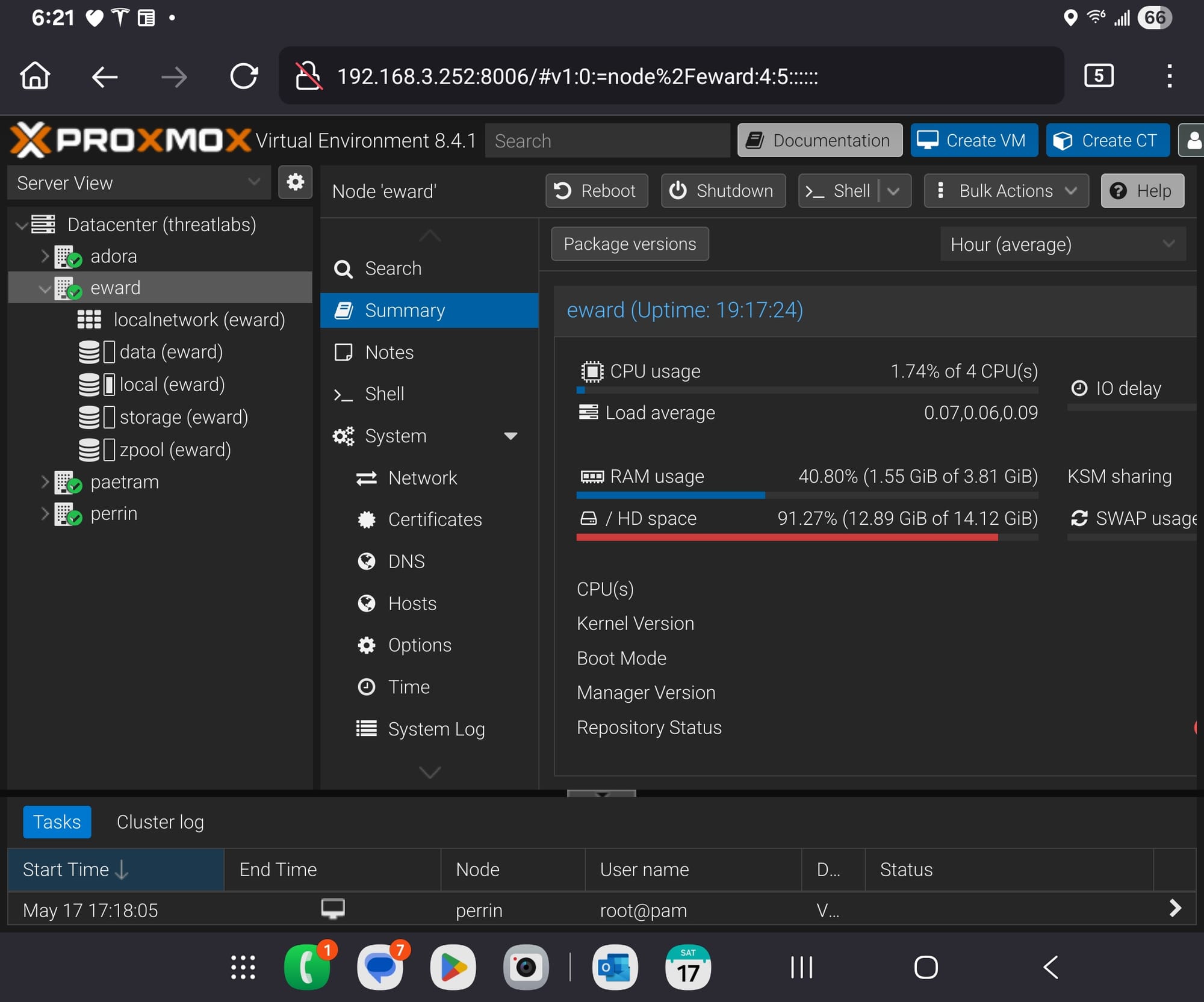
Part 1: NanoPi R5 with Proxmox VE ARM64
This previous project is sort of a heartache for me. While I did get Proxmox VE installed, my ventures into installing a working VM and a basic OS have been unstable and mainly unusable probably due to system requirements. And, this is probably where the beauty of LXC shines due to it simply using what's already there.
The helper script for Pihole will fail and complain to you and suggest you use a different installation script. No need, since ARM64 is a supported architecture:
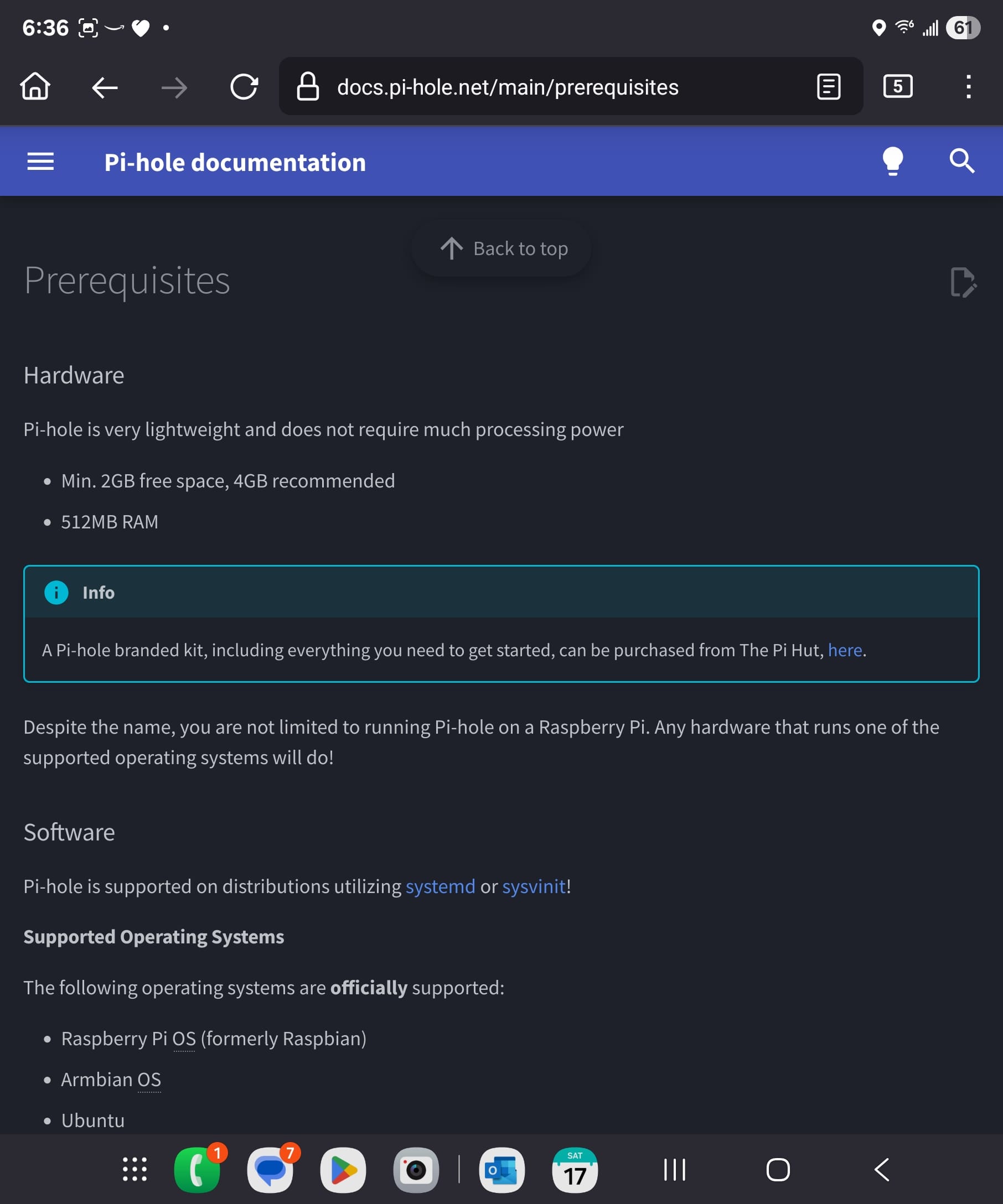
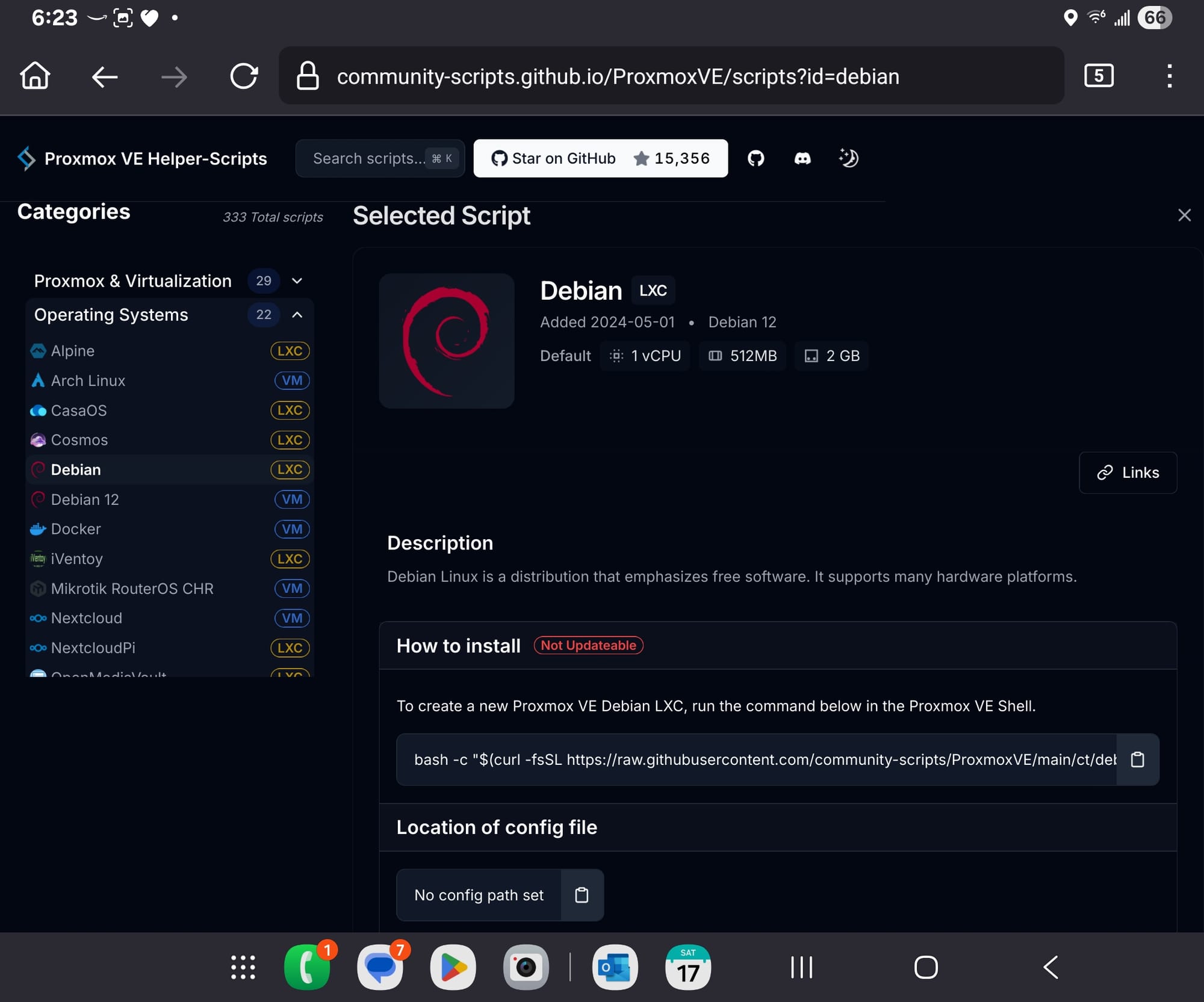
And so, let's see if we can get Debain installed copying the basic specs from:
But, we're going to use the default Proxmox VE container template to create it:
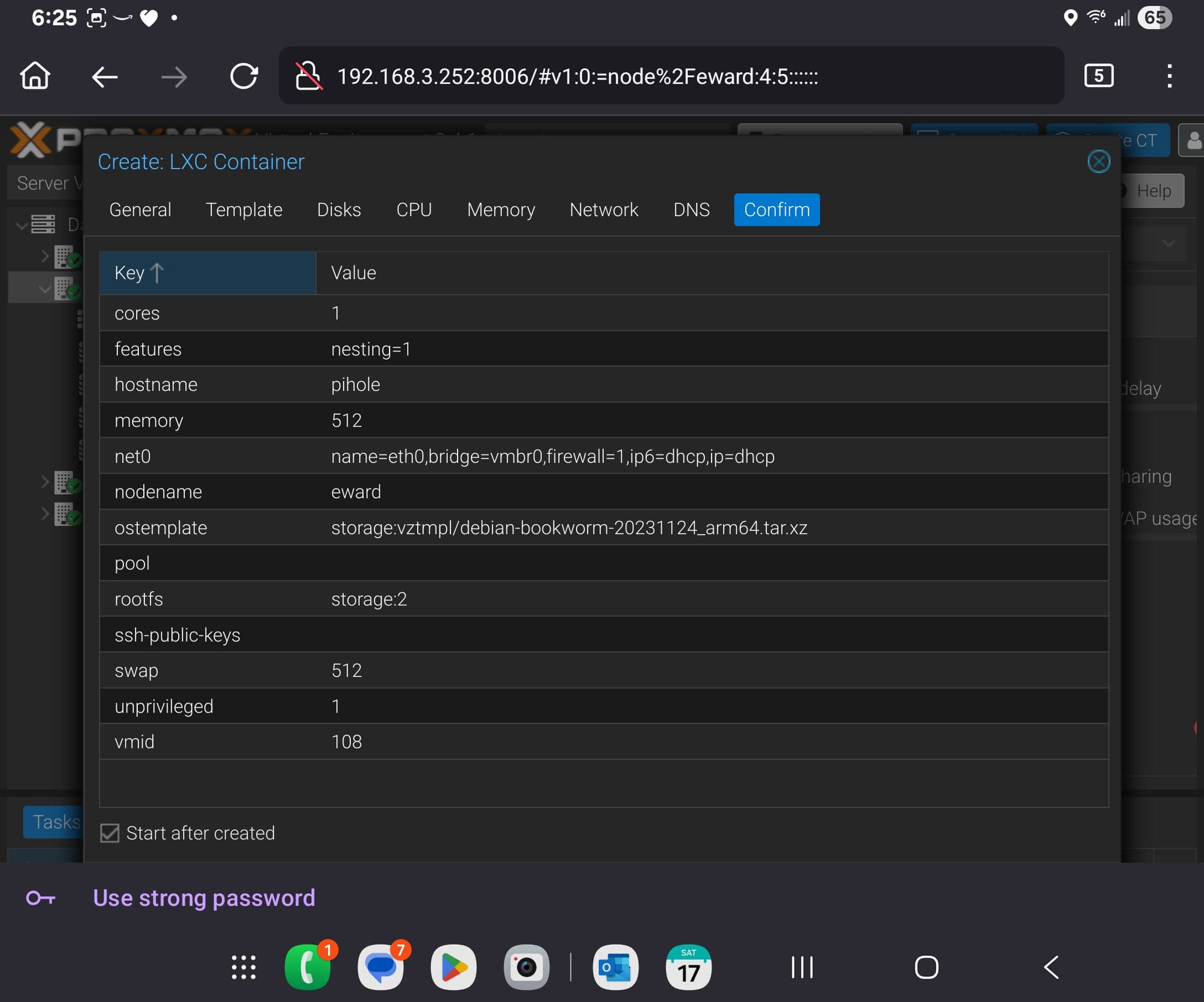
This got created fine:
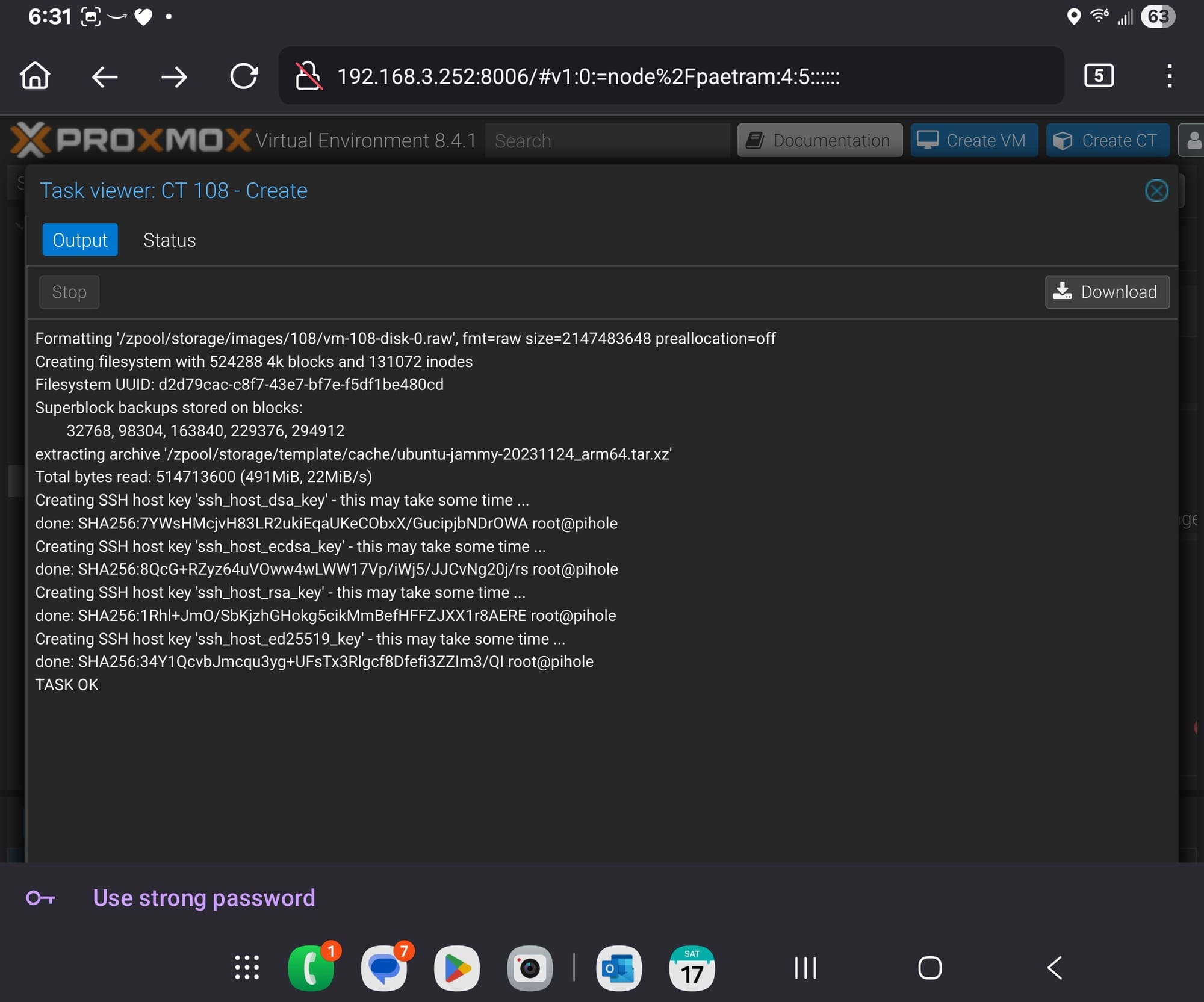
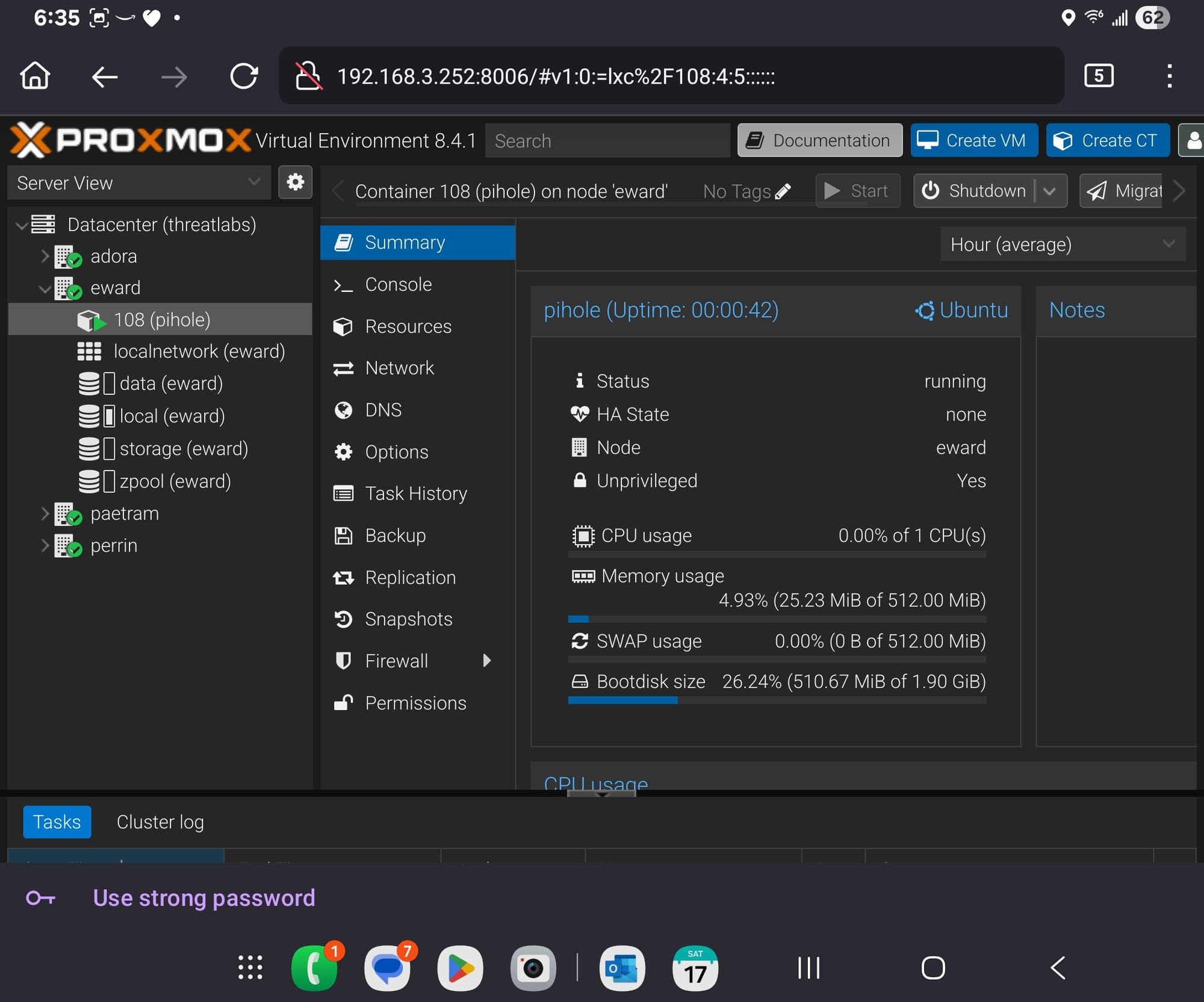
We now have a running Debain LXC to build upon!
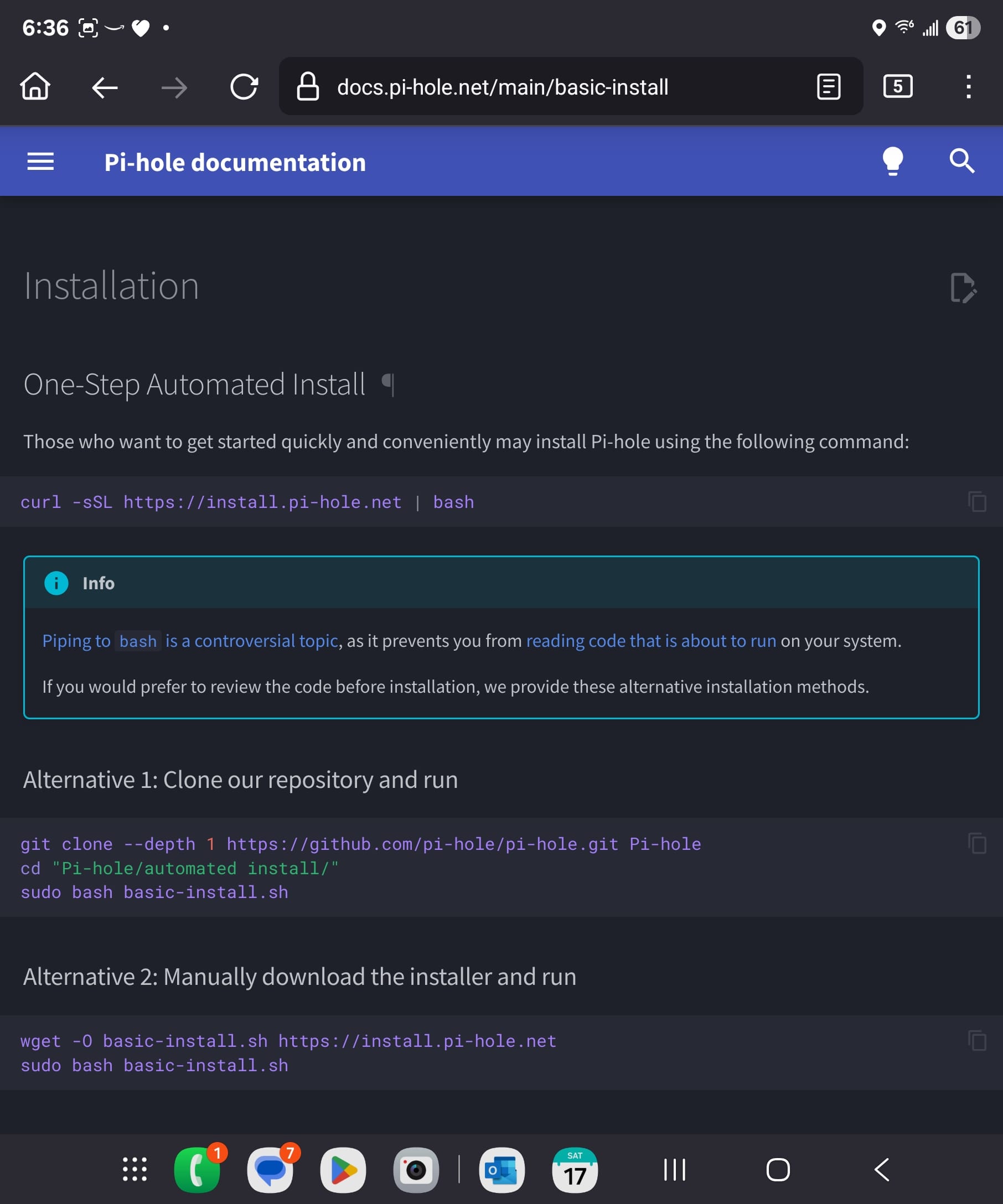
Let's use the one liner installer:
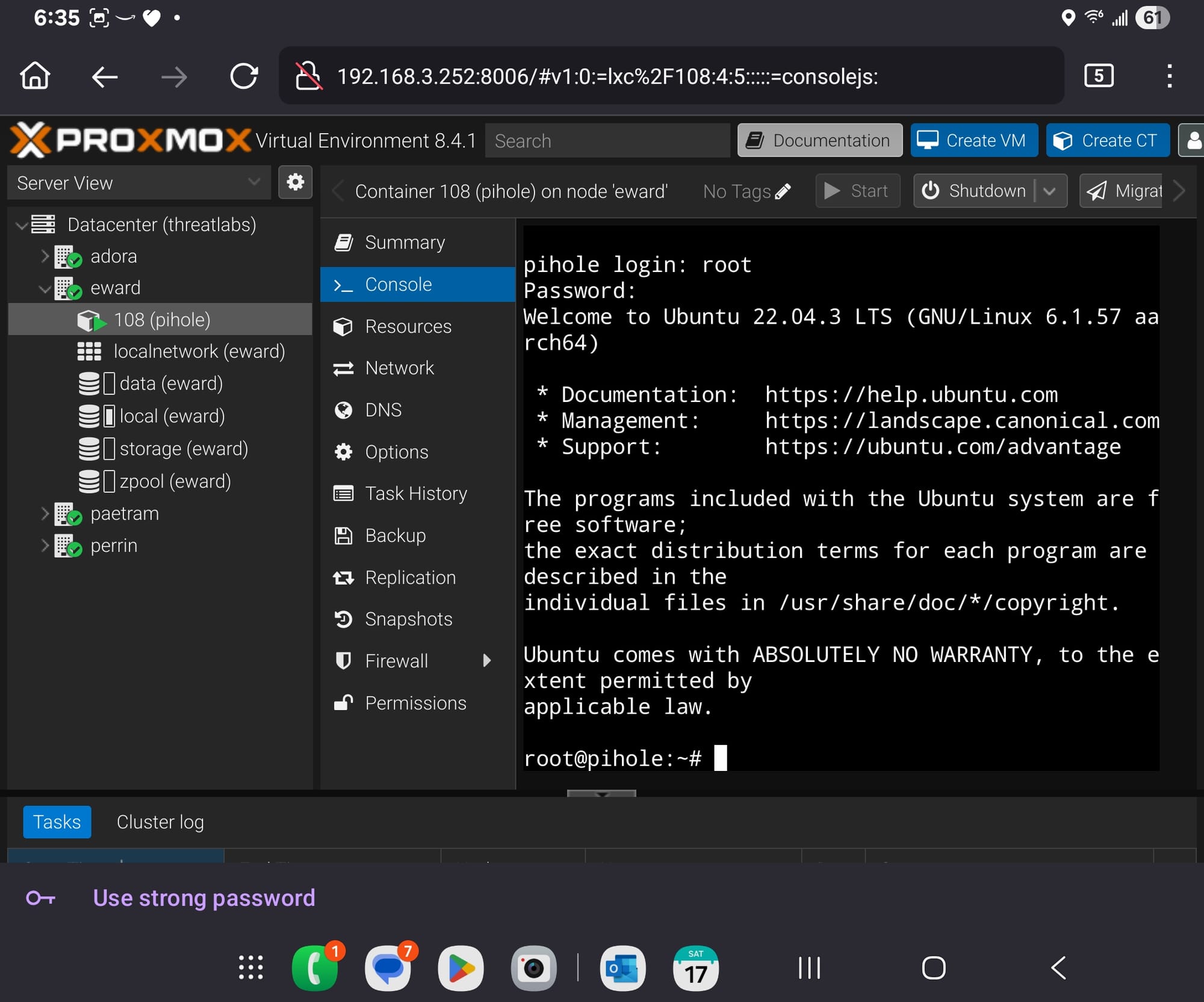
But first, get curl installed and update packages:
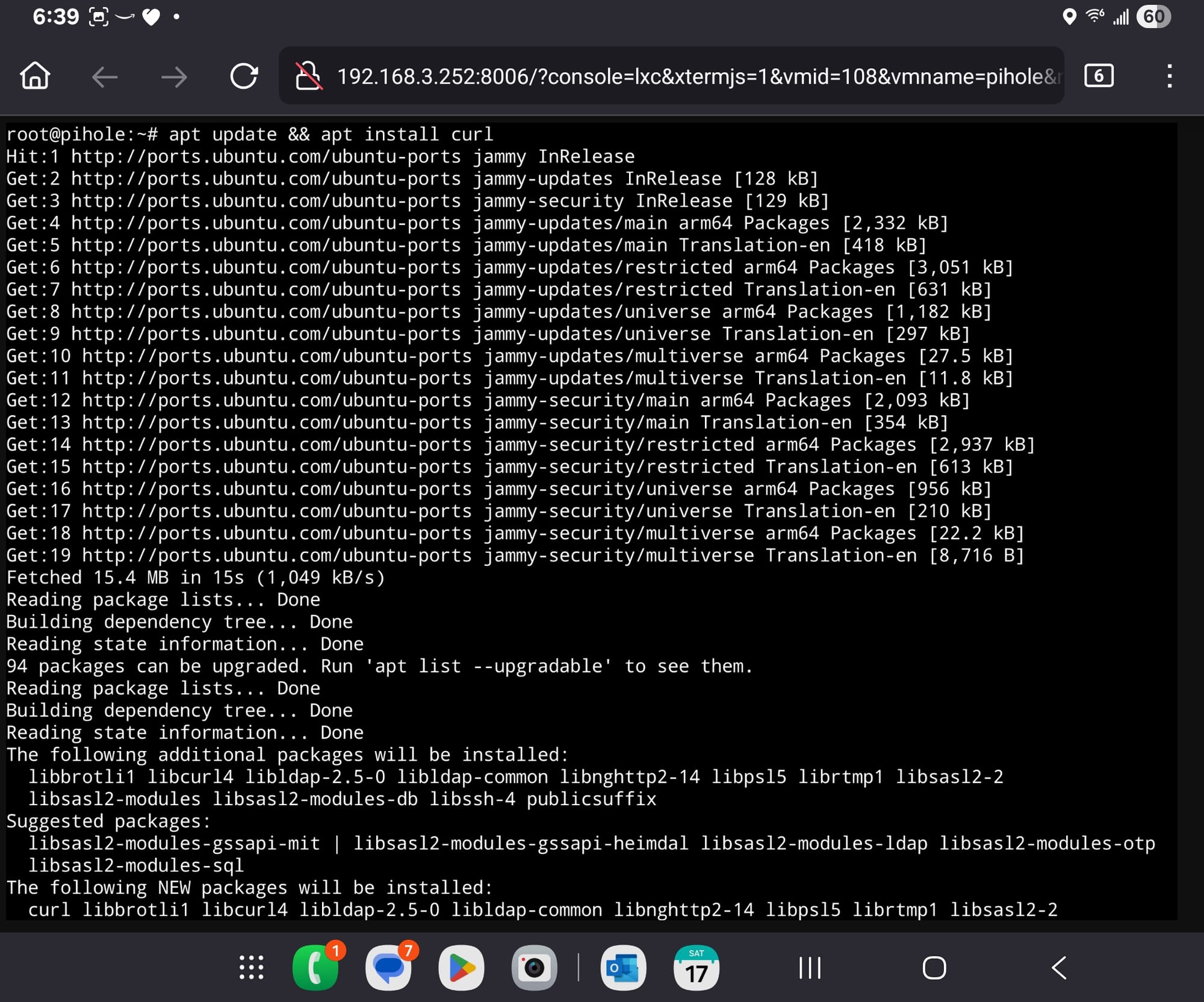
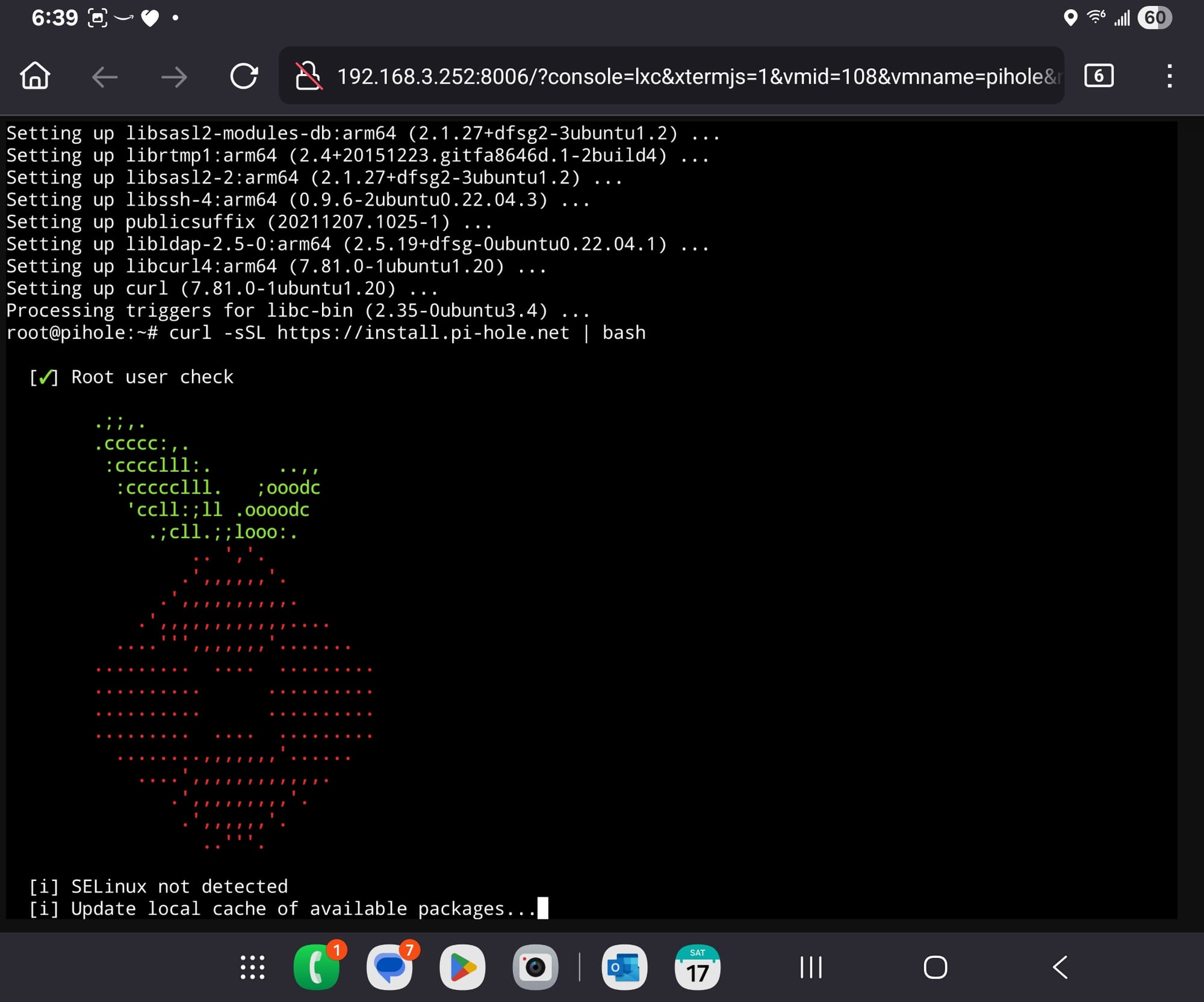
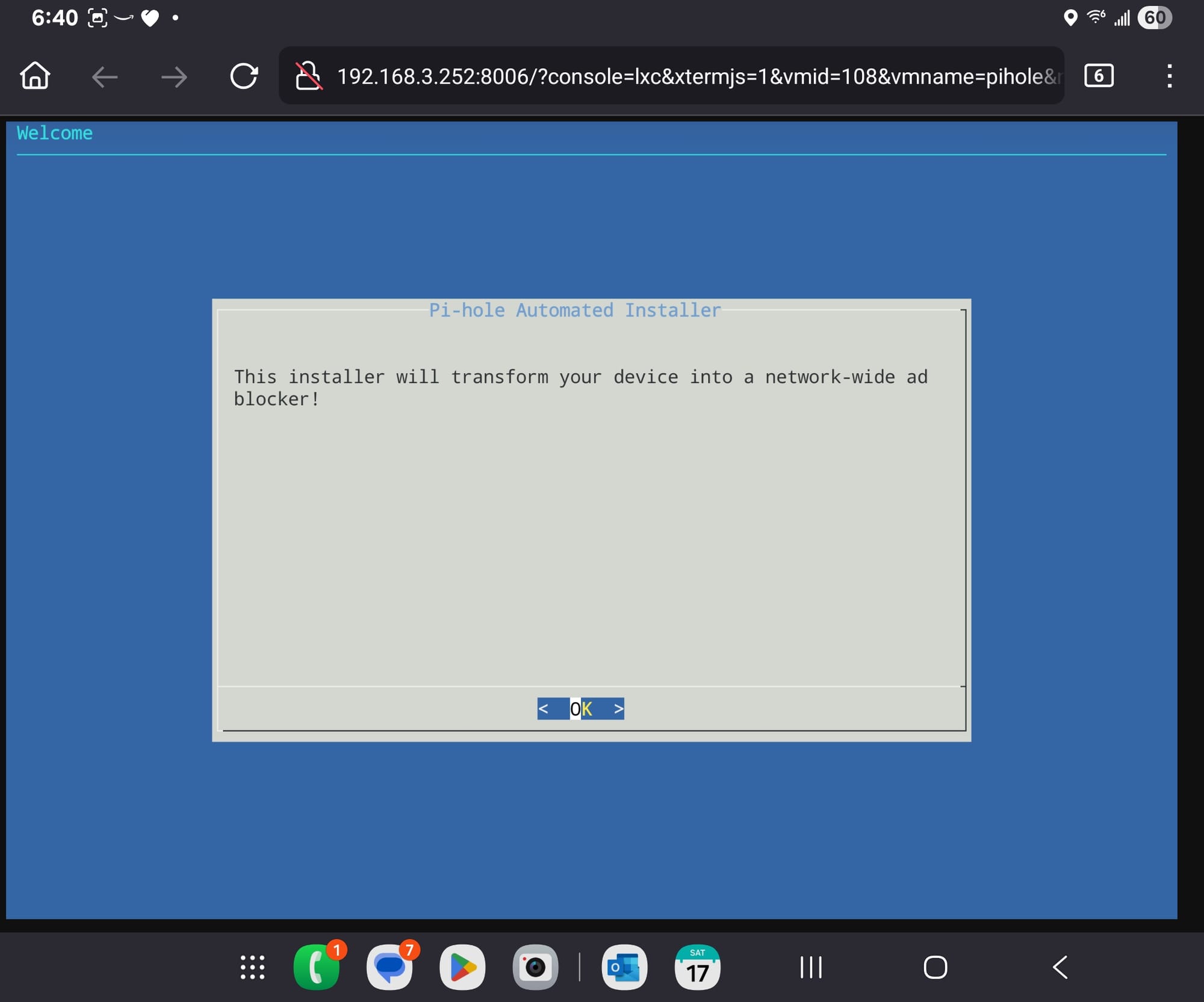
Configure the easy defaults:
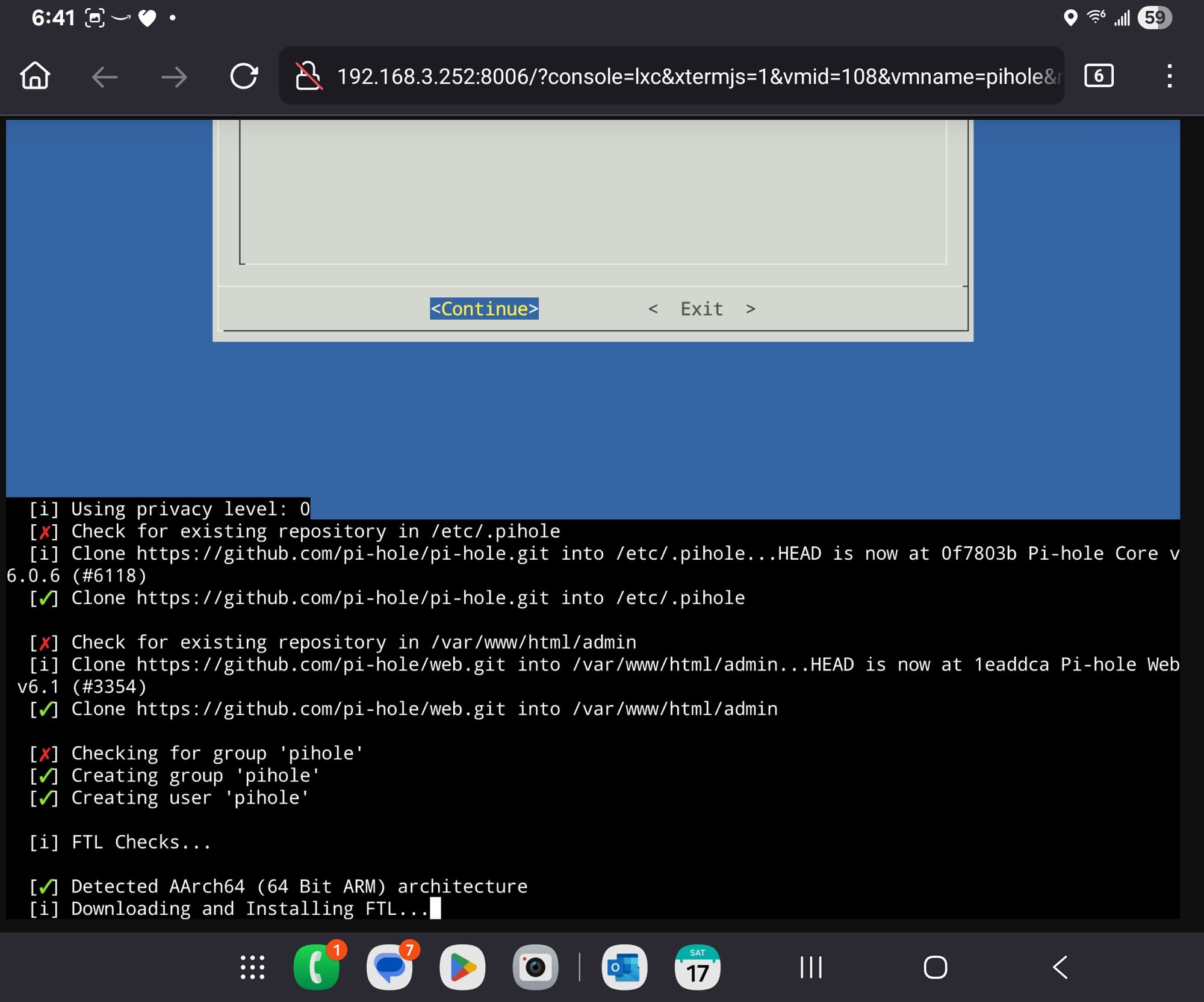
Finalize checks:
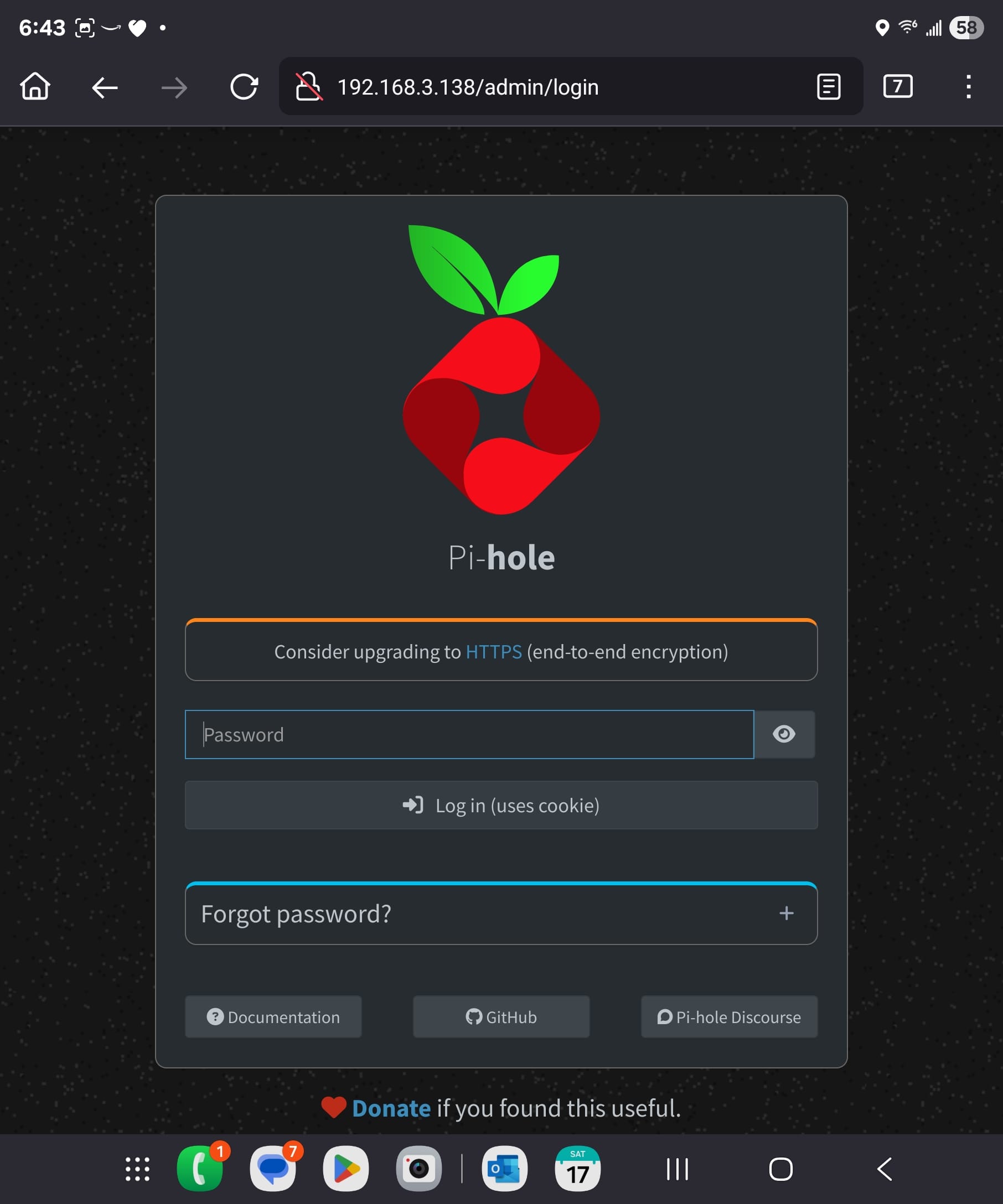
Browse to the web address and enter credentials:
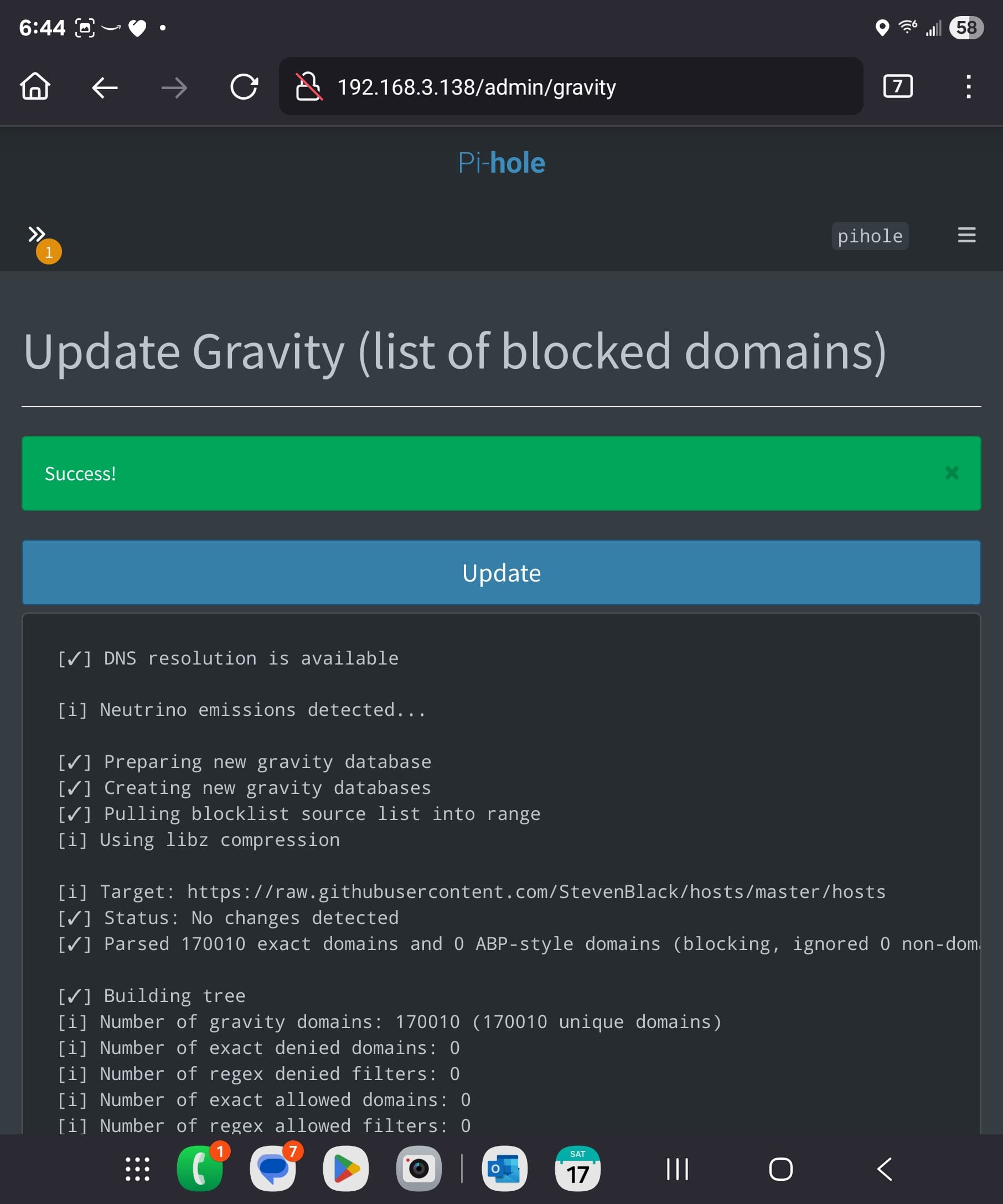
Update the rules:
Inspect alerts:
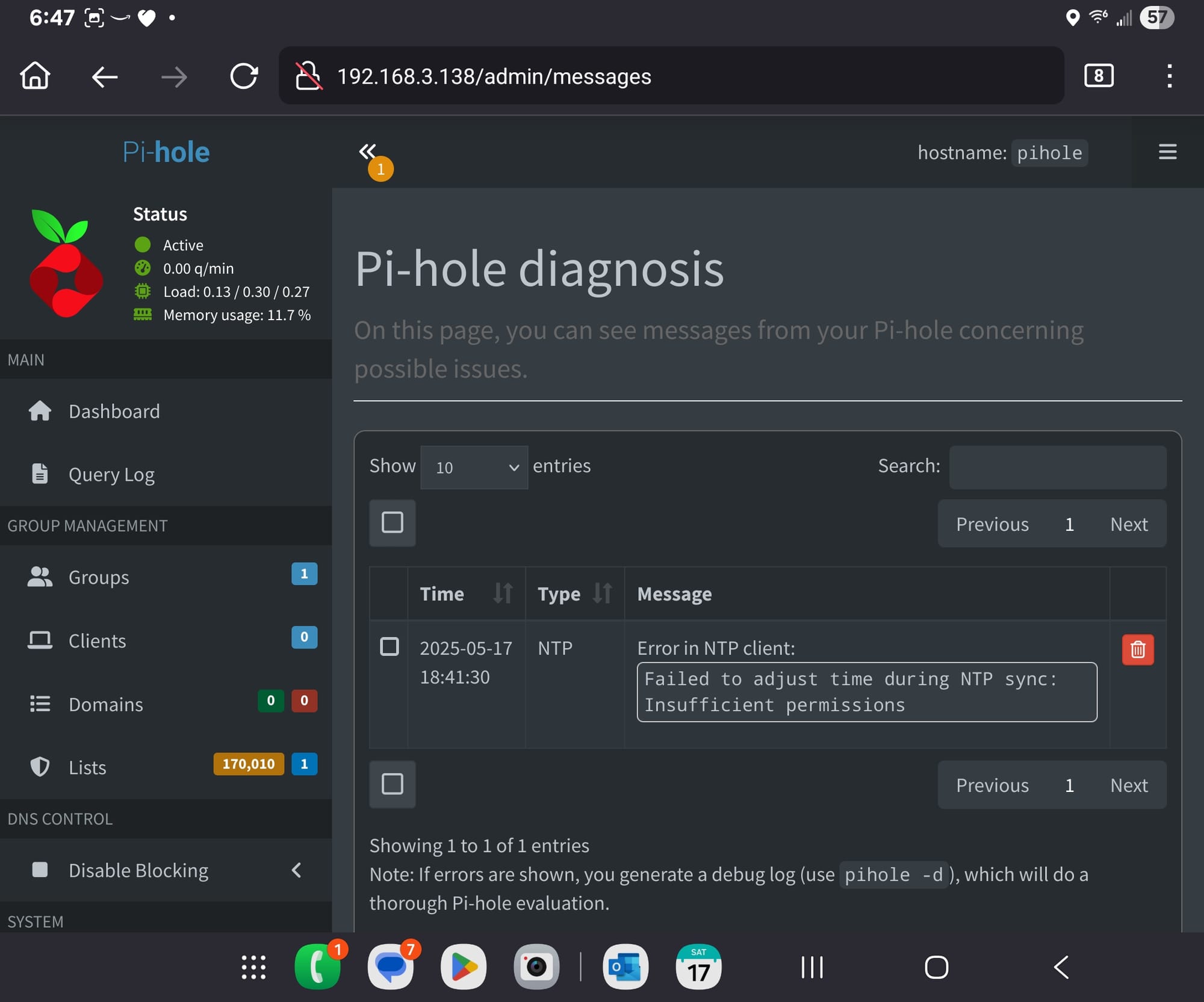
This NTP sync error has a fix and sort of controversial in its implementation. So, I'll post the specific steps I had to do separately.